
A Practical POS Setup for a Tuck Shop or Small Retail Startup
A small shop deserves a professional counter without unnecessary complexity.
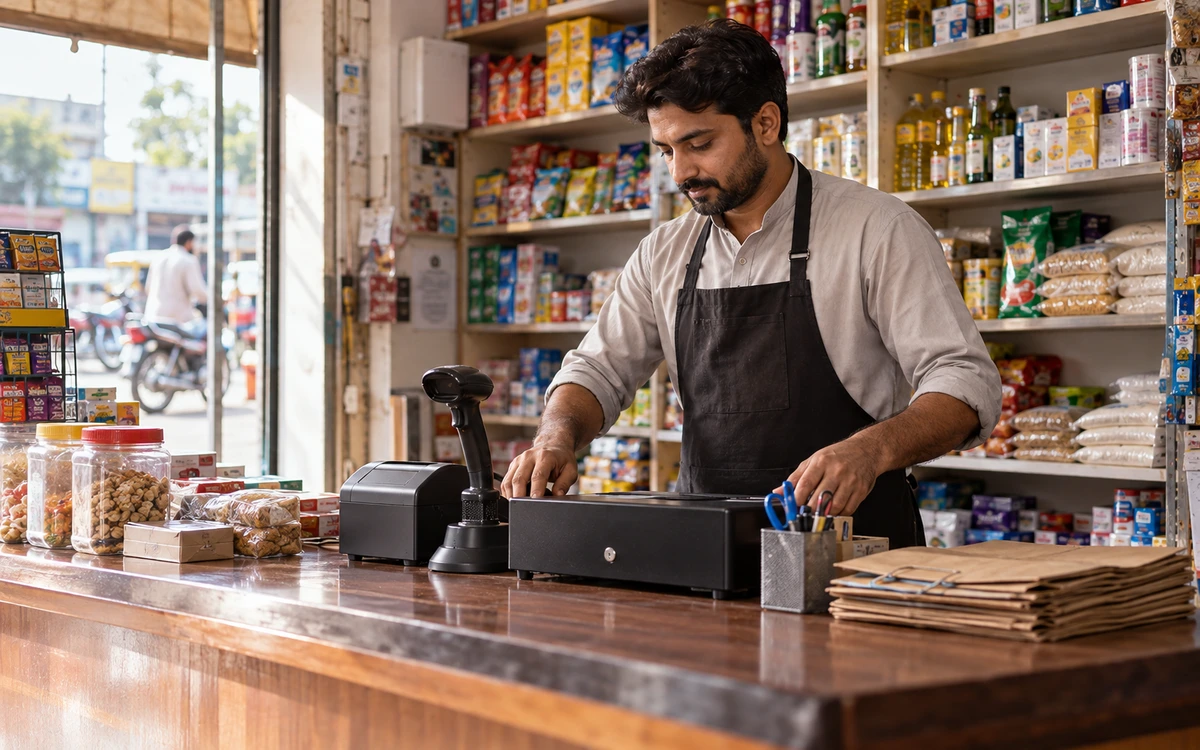
A small shop deserves a professional counter without unnecessary complexity. Start with the tasks that affect every sale: finding the right item, charging the correct amount, printing a receipt where required and knowing what remains in stock. iPOS serves small retail businesses as well as larger operations, so an enterprise ERP project is not the only way to begin.
Product guide: iPOS POS options include offline, online and hybrid configurations. iPOS Web POS is the online product; iPOS Infinity is the ERP system. Selected POS editions offer one-time software licensing; request the edition-specific commercial scope.
Define the first counter
List your products, approximate daily transactions, payment methods and who operates the till. Decide whether you need barcode scanning, a receipt printer or a cash drawer. Use an existing computer only after checking its suitability and condition. Keep enough counter space for the operator and customer; a usable physical arrangement often matters as much as a long feature list.
Start with clean products and opening stock
Prepare product names, units, barcodes, selling prices and opening quantities. Avoid multiple records for the same item unless the difference is intentional, such as a different pack size. Count the opening stock rather than importing a number nobody trusts. A short, checked catalogue provides a better start than a large file containing old prices and duplicate barcodes.
Choose a connection model deliberately
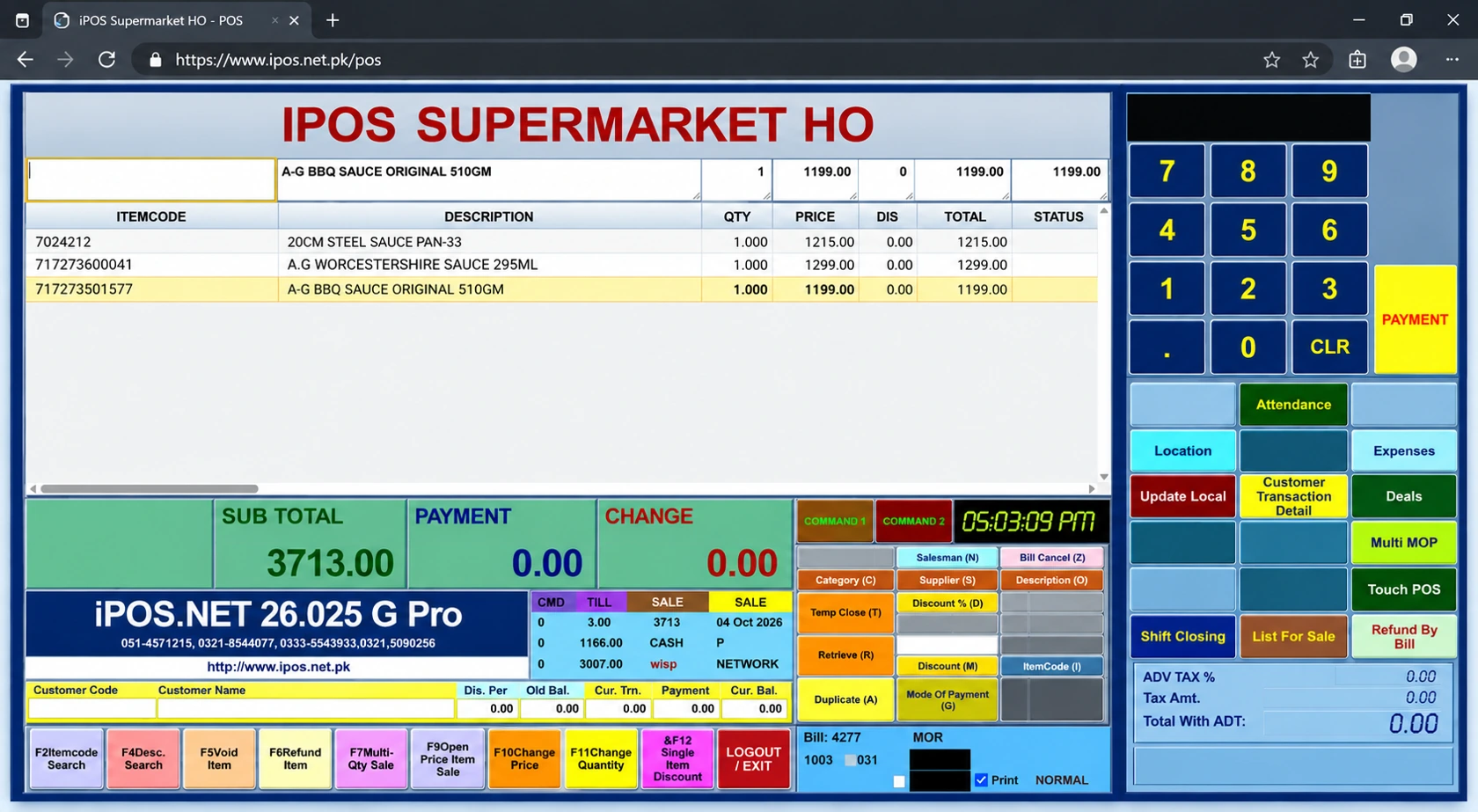
If the shop regularly loses internet, ask for a suitable offline or hybrid iPOS configuration. If you prefer browser-based checkout, evaluate iPOS Web POS with the connectivity it requires. Demonstrate the actual sale and receipt process on the intended equipment. Do not assume an online dashboard proves the counter can continue working without internet.
Keep everyday controls simple
Create individual staff accounts where people share the counter. Decide who may discount, refund, change prices and correct stock. Use a basic shift-close routine that compares recorded payments with the cash and other settlements actually received. The owner should be able to explain a difference without searching through unrelated screens or relying on someone’s memory.
Add only what earns its place
Begin with the agreed billing, stock and reporting scope. Add owner access, customer accounts or online ordering when there is a clear operational need. Discuss the one-time licensing options available for the selected POS edition and price additional services separately. Starting small should mean a focused configuration, not losing a route to a more capable setup later.
Make the first week a controlled launch
Train the actual operator on an ordinary sale, an incorrect scan, a return and closing the day. Keep a short list of questions and corrections during the pilot. Confirm backup and support responsibilities before the old method is retired. The strongest launch is one in which the owner and cashier can explain the records produced by a normal day.
More from Insights
Offline, Online or Hybrid POS: Which Setup Fits Your Business?
The right POS deployment is the one that keeps your actual business moving.

One-Time POS Licence vs Monthly Subscription: Compare the Real Cost
A small monthly figure and a one-time software quote describe different payment models.

Choosing a Café POS: Counter Speed, Orders and Stock
A café’s busiest period puts several small decisions under pressure: the correct size, an extra item, takeaway or table service, and the handoff to pre…