
Choosing a Café POS: Counter Speed, Orders and Stock
A café’s busiest period puts several small decisions under pressure: the correct size, an extra item, takeaway or table service, and the handoff to preparation.
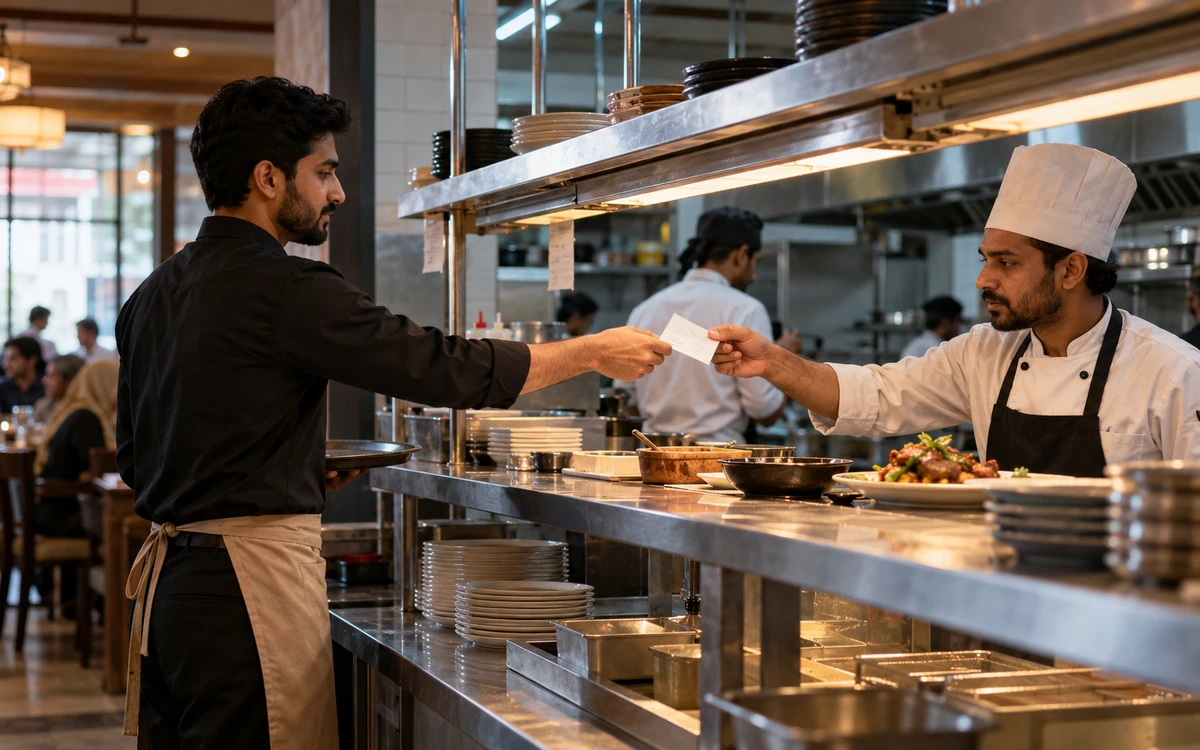
A café’s busiest period puts several small decisions under pressure: the correct size, an extra item, takeaway or table service, and the handoff to preparation. Build your POS demonstration around that rush. The right iPOS configuration should match your service model first, with online ordering or customer apps added when the business is ready for them.
Product guide: iPOS POS options include offline, online and hybrid configurations. iPOS Web POS is the online product; iPOS Infinity is the ERP system. Selected POS editions offer one-time software licensing; request the edition-specific commercial scope.
Map the service model
Write down how an order moves from the customer to the cashier, preparation area and final handover. Separate dine-in, takeaway and delivery if you offer them. Identify when payment is collected and how staff recognize an amended order. A clear flow prevents a digital order and a counter order from competing for attention without anyone owning the next step.
Demonstrate modifiers and corrections
Use your own menu examples: two sizes, an extra shot, a removed ingredient and a meal offer. Change an order before preparation and repeat the change after work has started. Ask how the relevant operator sees the revision and who authorizes a cancellation. The important result is an understandable order and payment record, not simply a colourful button layout.
Connect stock to the way you buy
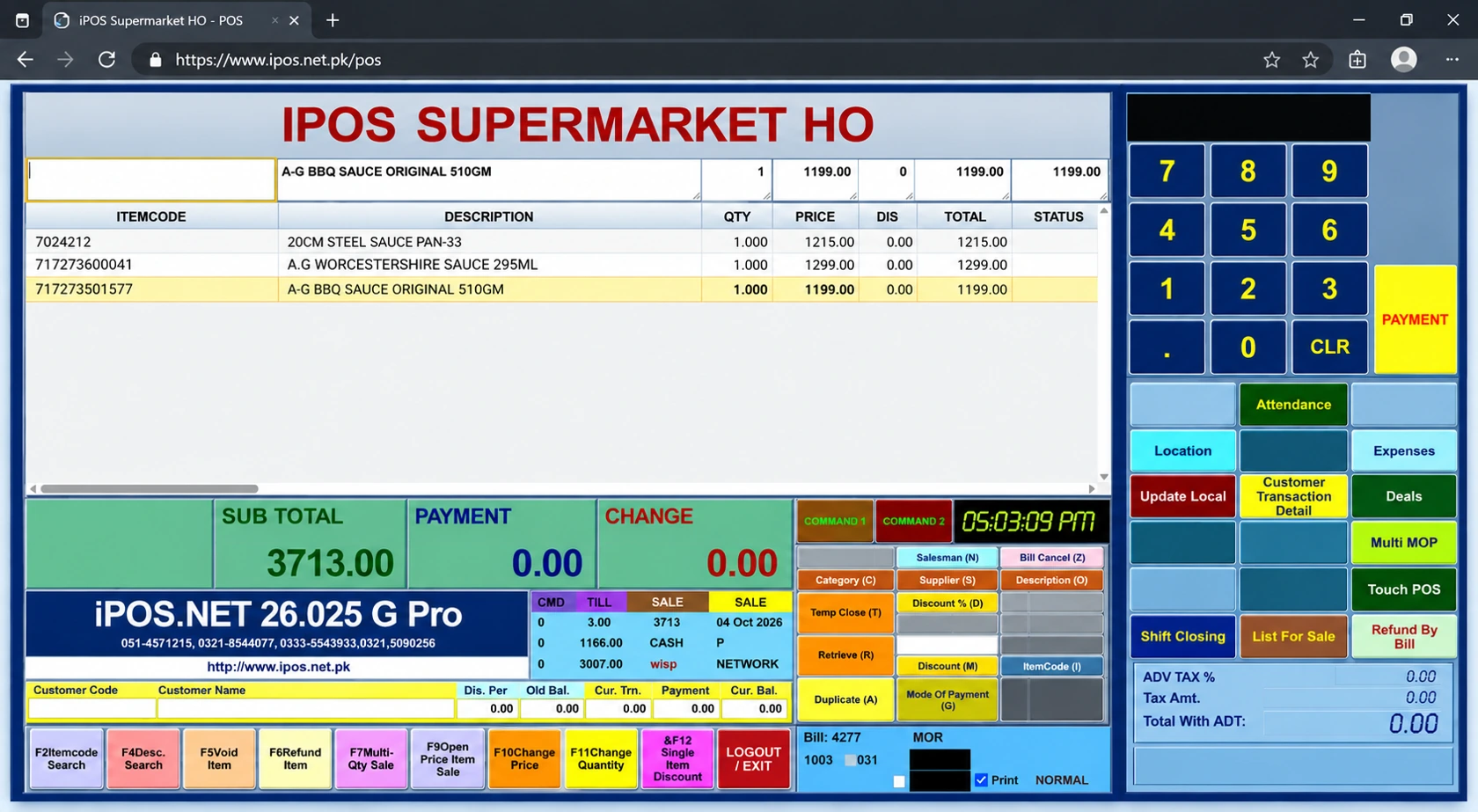
Decide which ingredients or products need stock control and how purchases are recorded. Check units, packaging and the treatment of wastage in the proposed scope. A café buying milk in cartons and serving portions needs consistent units if it wants useful consumption records. Start with the items that materially affect margin rather than collecting quantities nobody maintains.
Check busy-counter performance
Run several representative orders in succession while printing the required receipts or preparation tickets. Include a correction and the payment combinations you accept. Test the intended local or online arrangement under realistic connection conditions. Agree what staff do if a printer, internet connection or device becomes unavailable; those failures require different responses.
Plan customer ordering separately
A customer app or ecommerce ordering channel should have a named scope covering menu ownership, availability, order acceptance, payment and fulfilment. Ask how an unavailable item is handled and who contacts the customer. Connected owner views and customer ordering are different experiences, with different permissions and responsibilities. Neither should be assumed to be included in every POS licence.
Choose a manageable first phase
A café may begin with a focused POS configuration and add more connected functions as demand grows. Compare the complete implementation and ongoing service costs rather than assuming Infinity ERP is required for a single counter. iPOS’s experience since 1995 supports a practical discussion of the smallest useful setup and a sensible route to expansion.
More from Insights
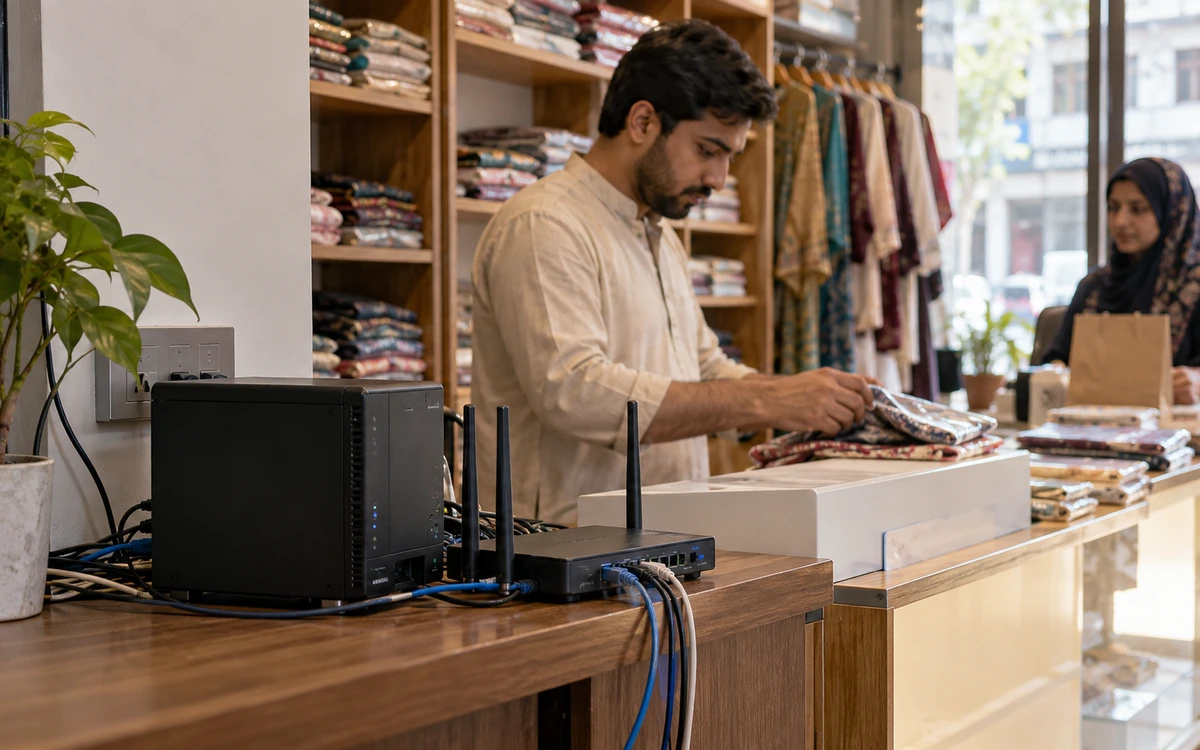
Offline, Online or Hybrid POS: Which Setup Fits Your Business?
The right POS deployment is the one that keeps your actual business moving.

One-Time POS Licence vs Monthly Subscription: Compare the Real Cost
A small monthly figure and a one-time software quote describe different payment models.
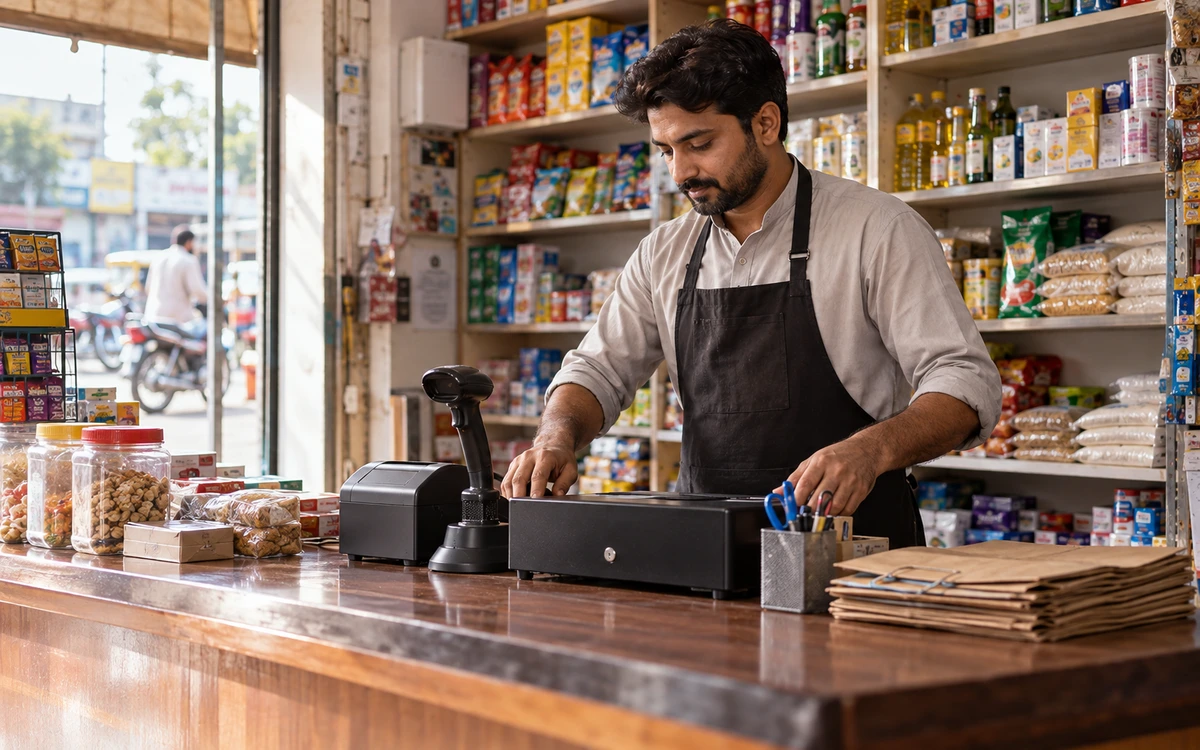
A Practical POS Setup for a Tuck Shop or Small Retail Startup
A small shop deserves a professional counter without unnecessary complexity.