
Offline, Online or Hybrid POS: Which Setup Fits Your Business?
The right POS deployment is the one that keeps your actual business moving.
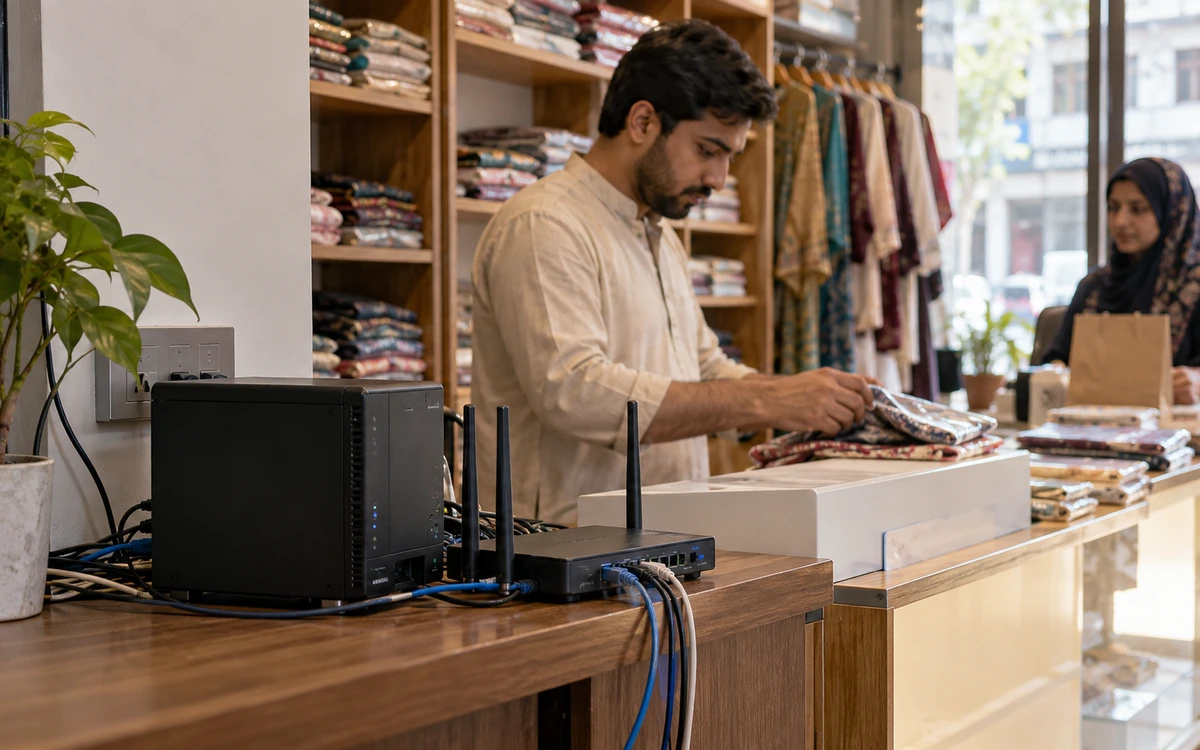
The right POS deployment is the one that keeps your actual business moving. A tuck shop, a busy supermarket and a restaurant taking online orders have different dependencies. iPOS offers offline, online and hybrid POS options; Infinity ERP is a separate choice for wider business management. Begin with how your staff work, the reliability of your internet and the information you need away from the counter.
Product guide: iPOS POS options include offline, online and hybrid configurations. iPOS Web POS is the online product; iPOS Infinity is the ERP system. Selected POS editions offer one-time software licensing; request the edition-specific commercial scope.
When does offline POS make sense?
An offline installation is a practical starting point when local checkout matters most and internet availability is uncertain. Products, billing and the agreed local records can be handled on the installed setup. Plan the computer, receipt printer, local data storage, power backup and recovery procedure together. Offline operation does not mean the computer is protected from a failed disk or a power cut; someone still needs to own backups and restoration.
When should you choose online POS?
An online arrangement suits businesses that want browser access and can provide reliable connectivity for the required tasks. iPOS Web POS is the browser-based point-of-sale product and requires internet. Check the exact printers, payment methods, access permissions and operating devices you intend to use. A browser interface can reduce installation work, but the final choice should reflect the whole counter environment rather than the appearance of a dashboard alone.
What does hybrid POS add?
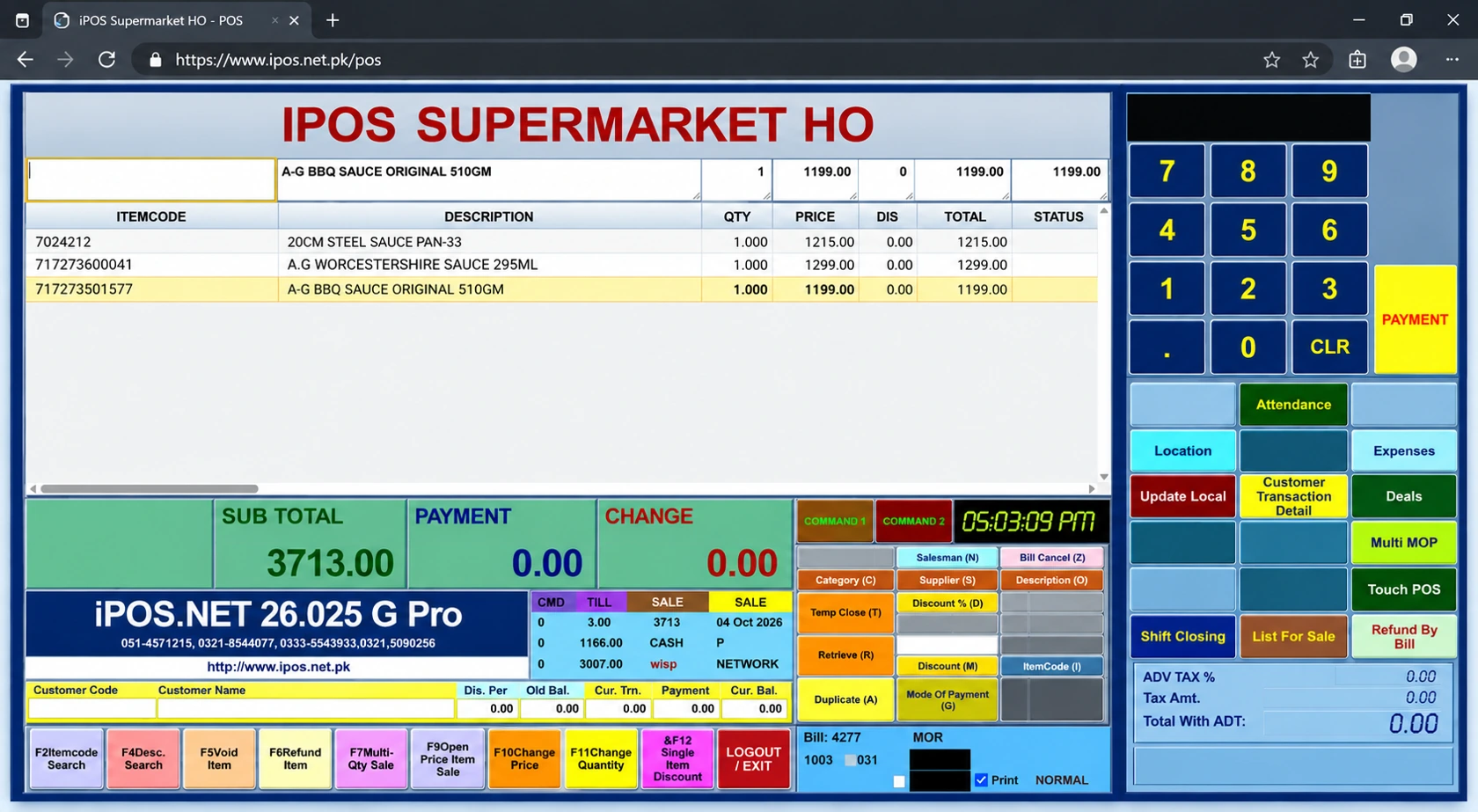
A hybrid design combines agreed local counter operations with connected services such as remote reporting or synchronization. It can be particularly useful where internet service comes and goes. Write down which tasks run locally, which require a connection and what happens when connectivity returns. A good hybrid demonstration follows a transaction through the outage and recovery, including the records seen by the owner afterwards.
How do you test an interruption?
Use a realistic basket, complete a local sale where that is supported, disconnect the external internet and repeat the agreed tasks. Keep the local network and power arrangements explicit: an internet outage is different from a broken LAN or an unavailable local server. Reconnect and inspect the transaction references, stock changes and reporting. Resolve any duplicate or missing-record scenario before accepting the implementation.
Can you add apps and ERP later?
Start with the POS configuration that fits today, then discuss owner apps, customer apps, ecommerce or Infinity ERP as separate requirements. Identify the product records, orders and stock information that must move between them. Some connected tasks will still require internet even when the counter is local. Choose a phased plan with clear responsibilities instead of buying every module simply because it is available.
What should the proposal say?
Ask for the deployment diagram, included counters, hardware, backup duties, licence or subscription basis, connected-service charges and support arrangements. Have each required workflow demonstrated on the proposed setup. iPOS has served the market since 1995; that experience supports a practical conversation about fit, while your own acceptance tests establish whether a particular configuration meets your needs.
More from Insights

One-Time POS Licence vs Monthly Subscription: Compare the Real Cost
A small monthly figure and a one-time software quote describe different payment models.
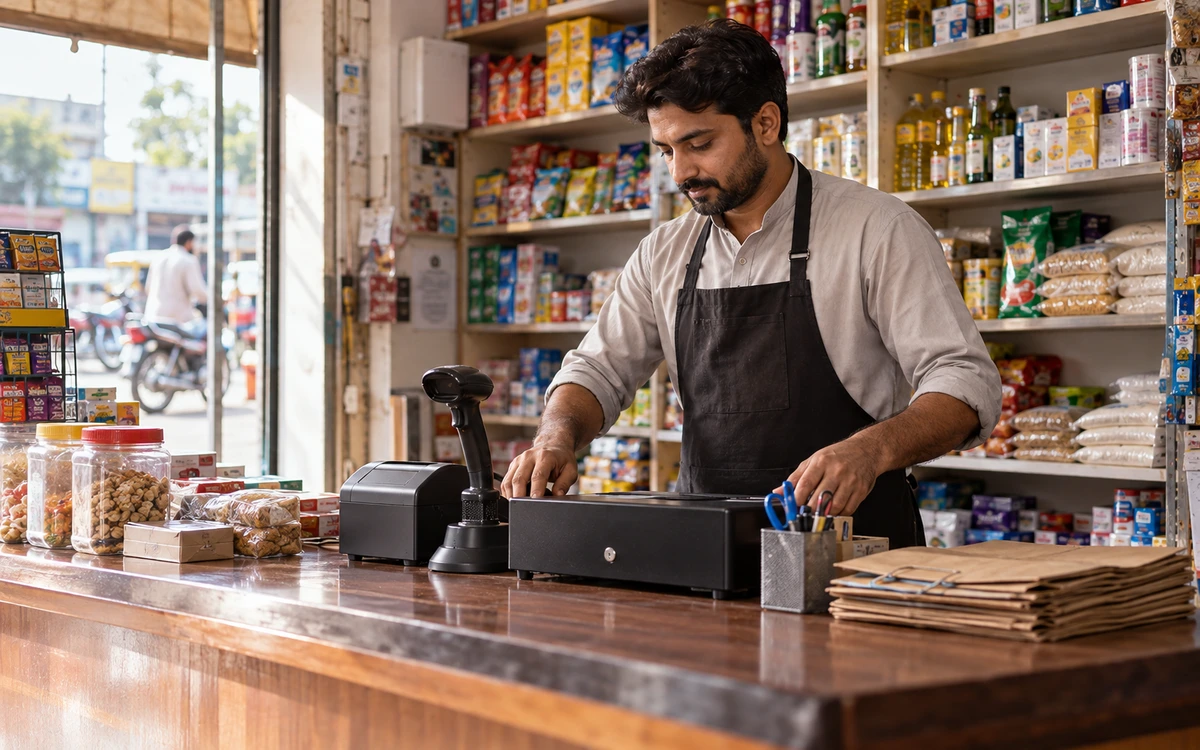
A Practical POS Setup for a Tuck Shop or Small Retail Startup
A small shop deserves a professional counter without unnecessary complexity.
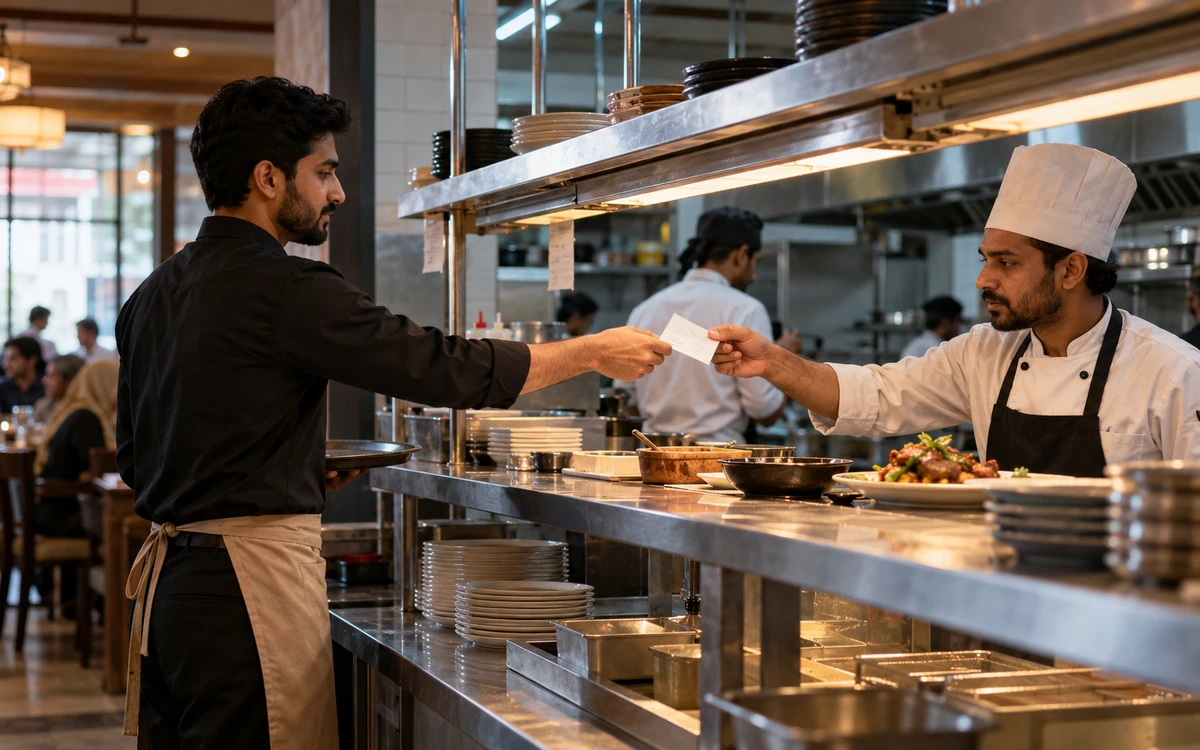
Choosing a Café POS: Counter Speed, Orders and Stock
A café’s busiest period puts several small decisions under pressure: the correct size, an extra item, takeaway or table service, and the handoff to pre…