
Restaurant Customer Apps: Ordering, Delivery and Navigation Requirements
A restaurant app is a customer service channel, not simply another POS screen.
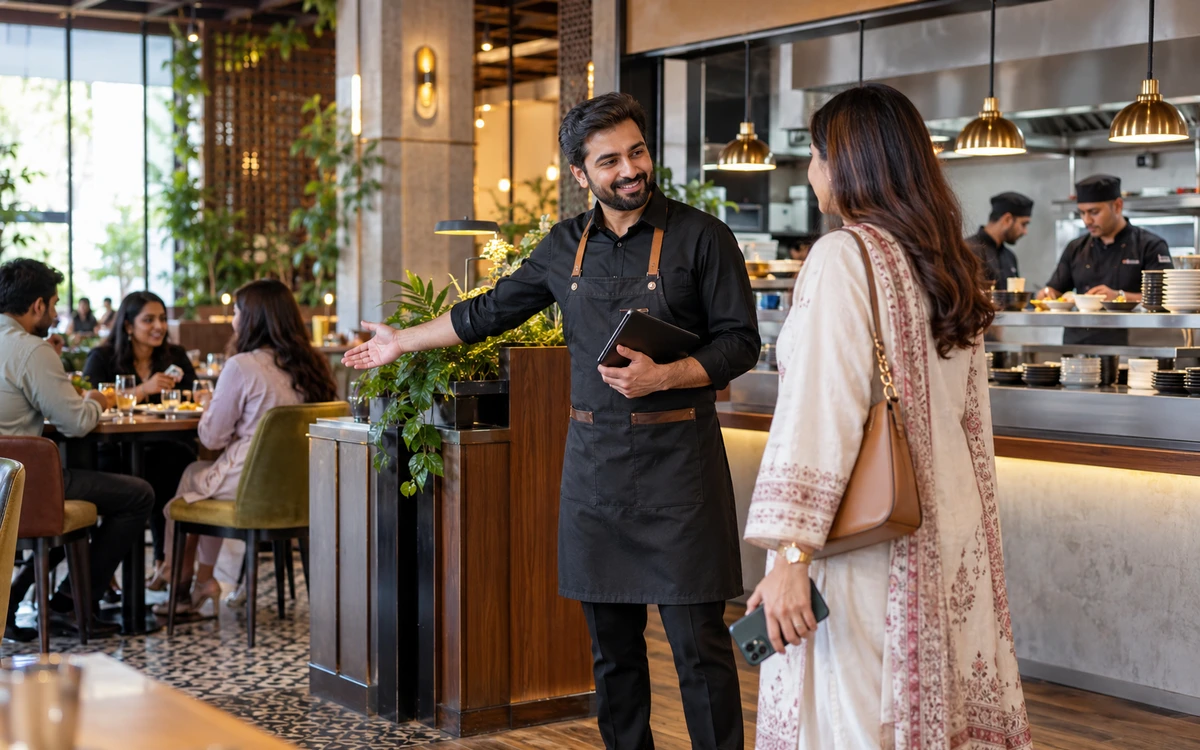
A restaurant app is a customer service channel, not simply another POS screen. Start with what the customer needs to accomplish and then connect it to the staff responsible for acceptance, food preparation and delivery. iPOS offers customer-app and connected-commerce solutions by scope, alongside POS and Infinity ERP options. Agree the exact functions of the chosen combination before development or rollout.
Product guide: iPOS POS options include offline, online and hybrid configurations. iPOS Web POS is the online product; iPOS Infinity is the ERP system. Selected POS editions offer one-time software licensing; request the edition-specific commercial scope.
Design a complete customer journey
Map browsing, selection, modifiers, address entry, payment, confirmation and the expected handover. Include collection if customers may pick up their order. Decide how the customer sees an unavailable item or a delay. A simple journey that staff can fulfil is more useful than offering functions whose operational ownership has not been agreed.
Separate ordering from fulfilment
An order being received does not prove that the kitchen accepted it or that a driver has it. Define the states your restaurant needs and the role permitted to change each one. Demonstrate a changed order and a cancellation after preparation begins. Connect each exception to the relevant staff member and customer communication step.
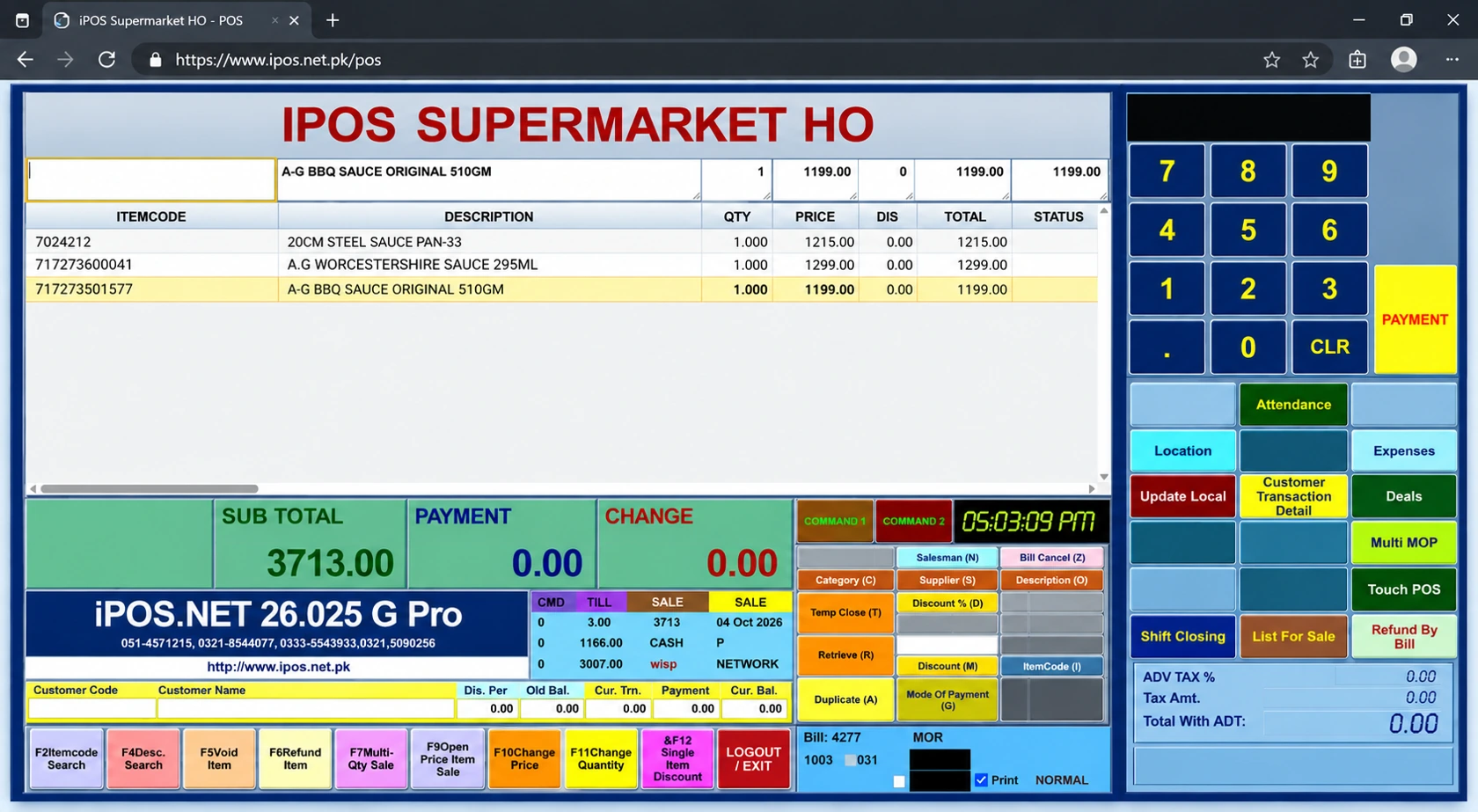
Specify delivery and navigation features
Where required, include driver assignment, supported status updates, address validation, navigation links and location-sharing expectations in the written scope. Confirm any mapping-provider costs, device permissions and mobile-data needs. A navigation link and continuous live tracking are different requirements; demonstrate the intended behaviour rather than treating them as the same feature.
Protect customer and staff access
A customer should see their own journey, while a driver and manager need different operational access. Discuss account recovery, staff departure, customer details and access to order history. Keep permissions aligned with the task. Ask which records help the business investigate a disputed delivery without exposing unrelated customer information to every operator.
Agree the service costs
Separate the POS licence from app development or configuration, hosting, app-store publication, payment processing, mapping and maintenance. Ask who owns the domain and publishing accounts. A one-time POS licence does not mean every online service has no running cost. A complete quote lets the restaurant compare connected ordering on a realistic commercial basis.
Use a practical launch checklist
Pilot the real menu, hours, delivery area and payment methods. Rehearse an unavailable item, an incorrect address, a failed delivery and a refund request. Test the customer experience and the staff process together. Bring these scenarios to iPOS so the team can propose the required POS, app and delivery components without forcing the business into an unnecessarily broad ERP project.
More from Insights
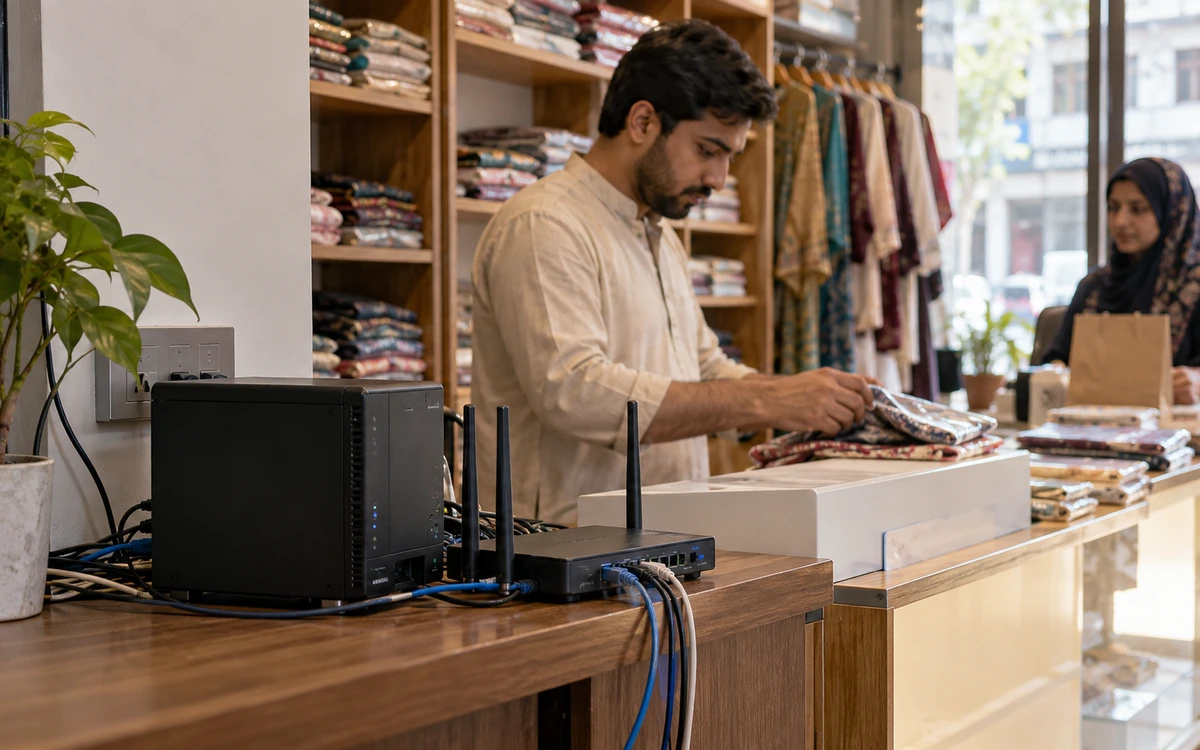
Offline, Online or Hybrid POS: Which Setup Fits Your Business?
The right POS deployment is the one that keeps your actual business moving.

One-Time POS Licence vs Monthly Subscription: Compare the Real Cost
A small monthly figure and a one-time software quote describe different payment models.
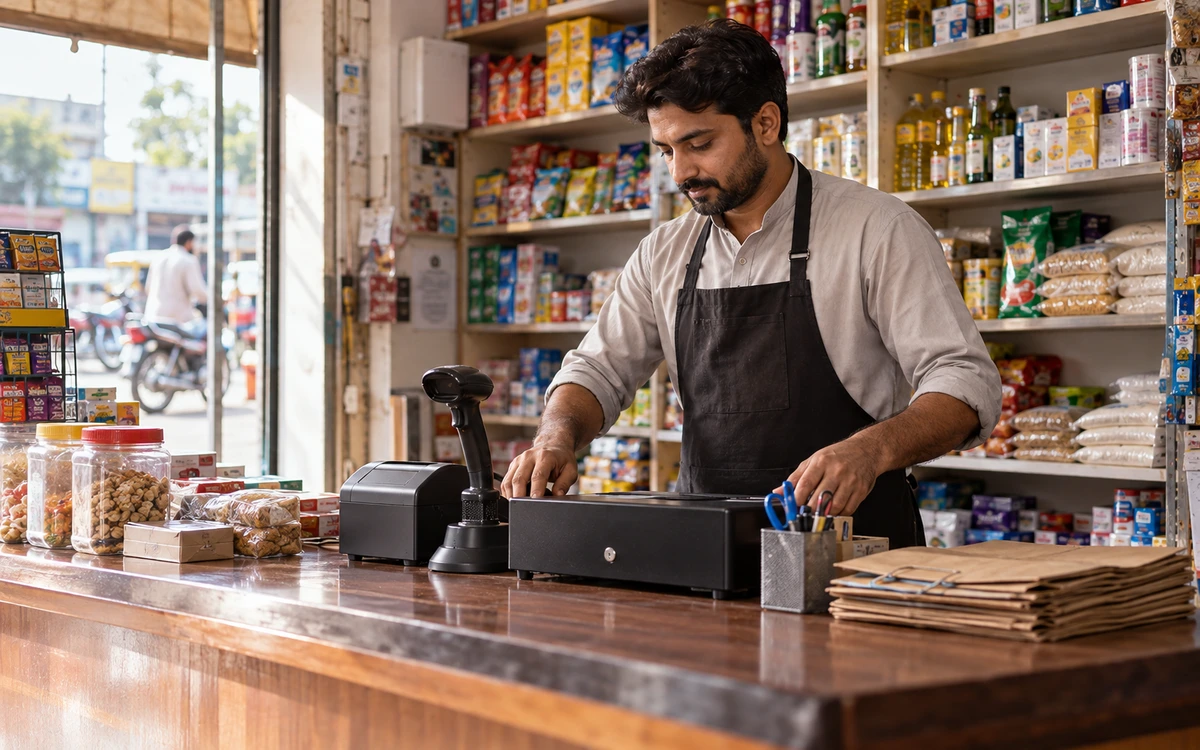
A Practical POS Setup for a Tuck Shop or Small Retail Startup
A small shop deserves a professional counter without unnecessary complexity.