
Restaurant and Cafe POS: From Order Entry to Kitchen and Closing
Restaurant POS selection should connect order taking, kitchen preparation, payment and closing responsibilities. iPOS can scope restaurant workflows, waiter pads, kitchen displays and connected applications around the type of operation and required equipment.
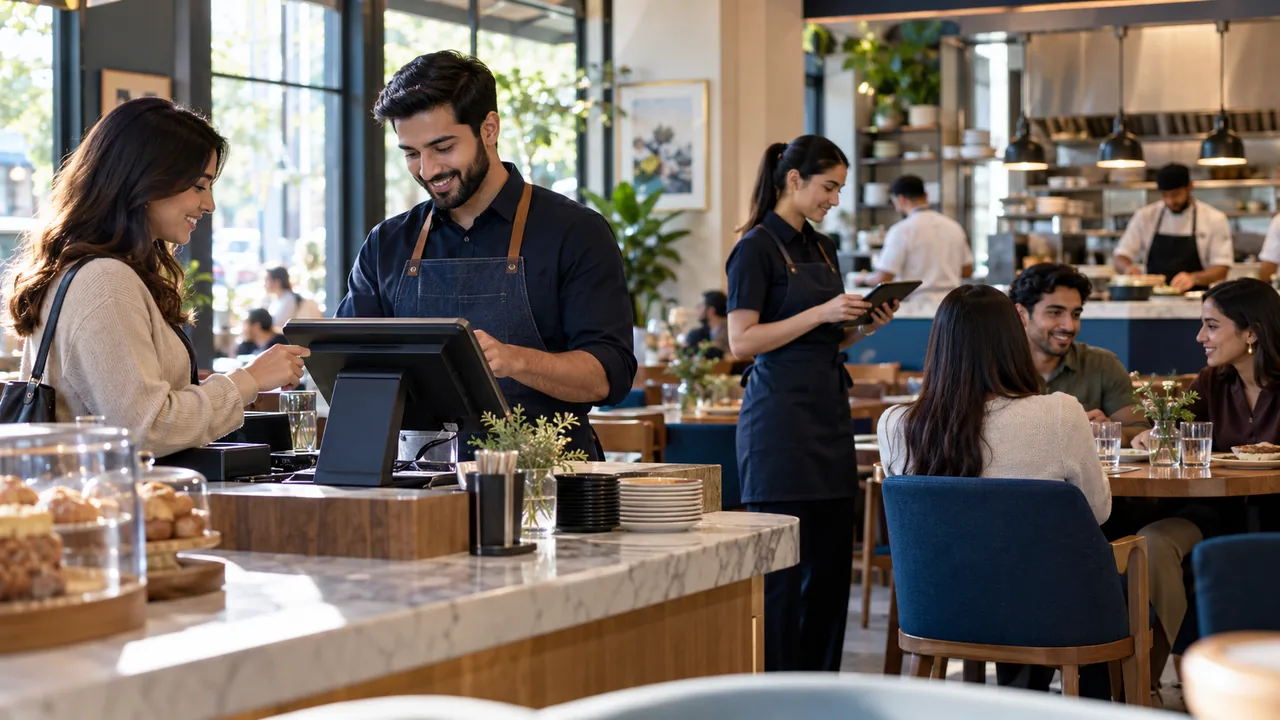
AI-generated editorial illustration.
Design the order journey before adding screens
A cafe serving takeaway orders and a restaurant serving tables need different handoffs. Identify who creates an order, changes it, sends it to preparation and confirms delivery to the customer. Include modifiers, cancellations and late changes. Each additional display should solve a named communication problem. Otherwise, staff may receive more notifications without a shared understanding of which action is authoritative.
Demonstrate Android waiter pads and customer displays
A waiter pad can support order capture in the agreed restaurant setup; it is not automatically a stand-alone replacement for every counter function. Test the supported tablet, network and intended permissions. Customer-facing screens should present the correct information at the correct stage without exposing management records. Kitchen displays and printers need their own model and connectivity checks.
Include payment and end-of-shift exceptions
Use your rules for split payments, cancellations, complimentary items and refunds in the demonstration. Decide which actions require a supervisor and which figures are reconciled at closing. If delivery or online ordering is required, define how those orders enter the same operational process. Connected features should have clear responsibility during an internet interruption instead of silently creating a second order list.
A practical scenario
A cafe accepts counter orders, introduces an Android waiter pad for seated guests and later adds customer ordering. The team tests the same menu and modification rules across the intended channels, then checks that staff can identify the order state and reconcile the completed payments.
Demonstration and acceptance checklist
| Action to demonstrate | Evidence to inspect |
|---|---|
| Enter a modified order | Preparation receives the intended instructions |
| Change an order after sending | Staff can follow the agreed correction process |
| Use the proposed tablet and display | Permissions and connectivity suit the role |
| Close the shift | Payment and adjustment figures reconcile |
Questions buyers ask
Are owner apps and waiter pads the same product?
No. They serve different users and permissions. Identify each application and its required integration separately.
Is customer ordering included automatically?
Customer apps, ecommerce and delivery functions should be stated explicitly in the proposal, with their operating requirements and charges.
Relevant iPOS options
Related guides
- Petrol Pump POS: Local Operations, Credit and Connected Oversight
- Wholesale POS: Customer Pricing, Credit and Pack Quantities
- Chain-Store Stock Optimization: Balance Availability Across Branches
Compare the iPOS product range or contact iPOS about your requirements.
More from Insights

Apparel and Footwear POS: Size, Colour, Exchanges and Branch Stock
An apparel POS demonstration should follow each size-colour variant through receiving, selling, exchanging and transferring stock. The goal is reliable va…
Grocery and Cash-and-Carry POS: Receiving, Units and Replenishment
Grocery and cash-and-carry operations need fast checkout supported by reliable units, receiving and stock control. iPOS selection should test those proces…
Pharmacy Retail Stock: Expiry, Traceability and POS Selection Questions
Pharmacy retail software should be evaluated against the actual stock, expiry, access and reporting requirements of the business. Ask iPOS to demonstrate…