
Grocery and Cash-and-Carry POS: Receiving, Units and Replenishment
Grocery and cash-and-carry operations need fast checkout supported by reliable units, receiving and stock control. iPOS selection should test those processes together, including local billing requirements and the equipment used at busy counters.
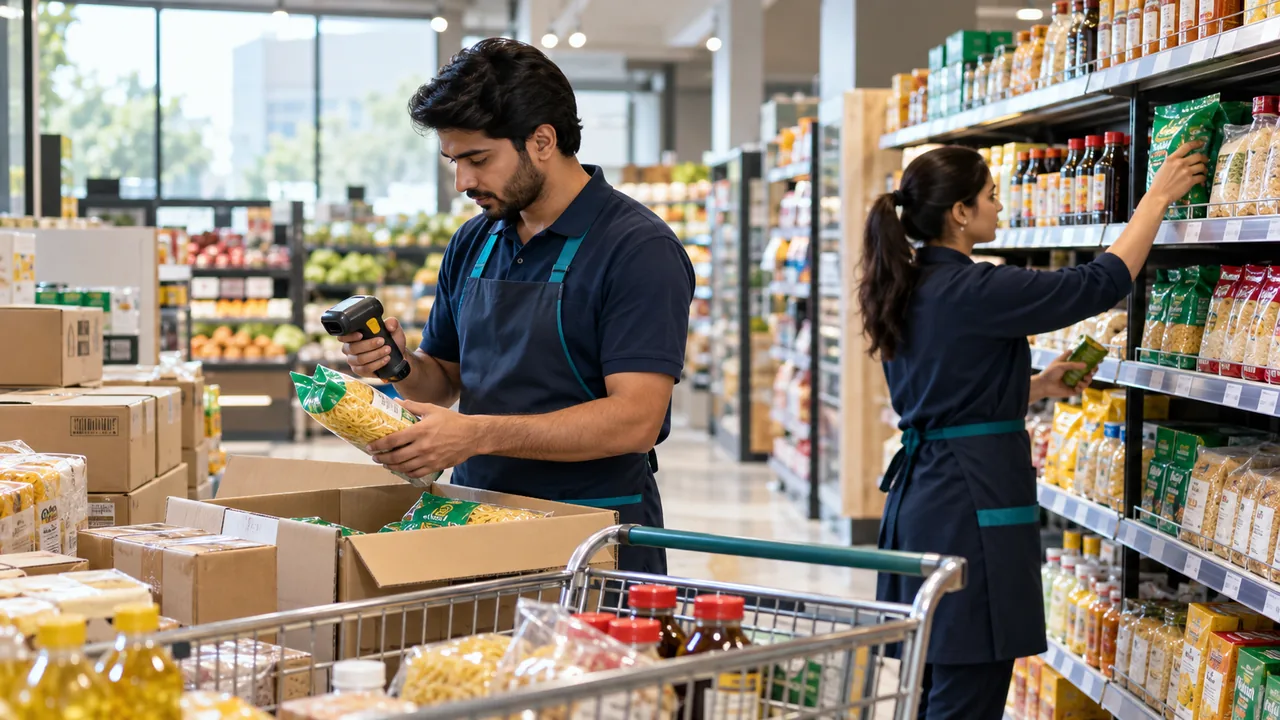
AI-generated editorial illustration.
Resolve units before opening stock
The same goods may arrive in cartons and sell as pieces, packs or measured quantities. Define the intended units and conversions before importing balances. Ask staff to receive a realistic delivery and inspect its effect on sellable stock. Incorrect unit assumptions can create apparent shortages or large stock differences even when the physical quantities were counted correctly.
Connect buying decisions to shelf availability
A purchase plan should consider supplier lead time, current stock, confirmed orders, goods in transit and the quantities that can actually be displayed. A warehouse balance does not prove a shelf is stocked. Identify responsibility for bringing goods to the sales floor and reviewing repeated stockouts. Software reports should support those responsibilities rather than replace the physical replenishment process.
Compare checkout and recovery under pressure
Use a basket containing common barcodes, a changed price, an item sold in another unit and a supported weighed item if required. Check scanner and scale compatibility with the intended setup. For an offline or hybrid deployment, repeat the agreed local workflow without external internet while keeping power and any required local server available. Record what remote services do during the interruption.
A practical scenario
A cash-and-carry store receives cases of beverages before a weekend promotion. Staff verify case quantities, replenish the shelf and test the promotion at the counter. The closing review compares sales and movement records so a purchasing decision is based on the correct units, not an unexplained fall in stock.
Demonstration and acceptance checklist
| Action to demonstrate | Evidence to inspect |
|---|---|
| Receive a carton delivery | Conversion into sale units is correct |
| Sell an alternative pack size | Price and stock movement are understood |
| Check a busy counter basket | Supported peripherals perform the workflow |
| Review a stockout | Identify whether buying or shelf replenishment failed |
Questions buyers ask
Is a large catalogue the only grocery requirement?
No. Receiving discipline, unit definitions, replenishment and closing controls are equally important operational checks.
Can checkout be designed for unreliable internet?
Discuss desktop offline or the agreed hybrid configuration, and demonstrate the precise local tasks required during an outage.
Relevant iPOS options
Related guides
- Pharmacy Retail Stock: Expiry, Traceability and POS Selection Questions
- Restaurant and Cafe POS: From Order Entry to Kitchen and Closing
- Chain-Store Stock Optimization: Balance Availability Across Branches
Compare the iPOS product range or contact iPOS about your requirements.
More from Insights

Apparel and Footwear POS: Size, Colour, Exchanges and Branch Stock
An apparel POS demonstration should follow each size-colour variant through receiving, selling, exchanging and transferring stock. The goal is reliable va…

Pharmacy Retail Stock: Expiry, Traceability and POS Selection Questions
Pharmacy retail software should be evaluated against the actual stock, expiry, access and reporting requirements of the business. Ask iPOS to demonstrate…

Restaurant and Cafe POS: From Order Entry to Kitchen and Closing
Restaurant POS selection should connect order taking, kitchen preparation, payment and closing responsibilities. iPOS can scope restaurant workflows, wait…