
Owner Apps with Offline or Hybrid POS: What Can You See Remotely?
An owner may want local counter resilience and access to business information away from the shop.

An owner may want local counter resilience and access to business information away from the shop. These goals can fit a hybrid design, but they are different requirements. Scope which iPOS counter operations run locally, which records reach the owner’s connected view and how the app communicates timing. Owner apps, customer apps and delivery apps also serve different users and should be planned separately.
Product guide: iPOS POS options include offline, online and hybrid configurations. iPOS Web POS is the online product; iPOS Infinity is the ERP system. Selected POS editions offer one-time software licensing; request the edition-specific commercial scope.
Define the decisions the owner needs to make
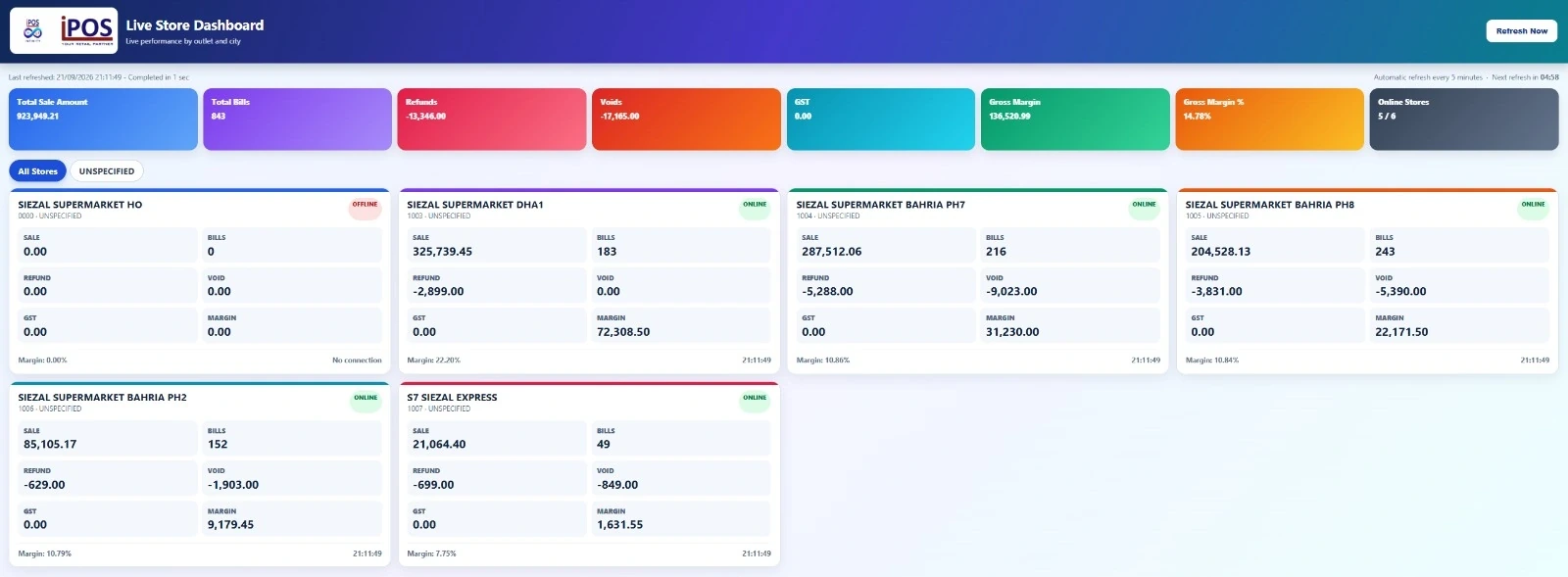
Start with a short set of useful questions: how a location is trading, what needs attention and who should investigate an exception. Identify the underlying records and the relevant period. A screen full of figures is only useful when the owner understands what they cover and how to reach the person responsible for the next step.
Make timing understandable
A local sale and its appearance in a remote view may be separate events in the proposed setup. Ask how the owner identifies the last successful update, an offline location or outstanding synchronization. Do not present an old value as an unexplained current total. Demonstrate an interruption and recovery with a transaction whose progress can be followed.
Keep branch access deliberate
The owner, branch manager and cashier may need different visibility. Ask which locations and reports each account can access and how access is removed when responsibilities change. Rehearse an account change before rollout. Remote availability should make oversight easier without giving every person unrestricted access to every business record.
Distinguish the app audiences
An owner app supports oversight, while a customer app supports the customer relationship or ordering journey. A driver app has delivery responsibilities and may require separately scoped navigation or status functions. Name the audiences in the proposal. Similar branding does not mean that the same functions, licences or access rights belong to every app.
Include the connected-service costs
Clarify the proposed hosting, data connection, synchronization and support arrangements. One-time counter software licensing does not automatically include every remote service forever. Compare the combined costs over a useful period and agree who maintains the connected components. This keeps the local and remote parts of the system commercially understandable.
Prove the complete operating loop
Record a sale, inspect the owner view, identify a controlled exception and show how staff resolve it. Repeat the relevant parts under an internet interruption. A well-planned iPOS arrangement should connect the owner’s question with understandable source records and a clear operating procedure, rather than relying on a dashboard alone.
More from Insights
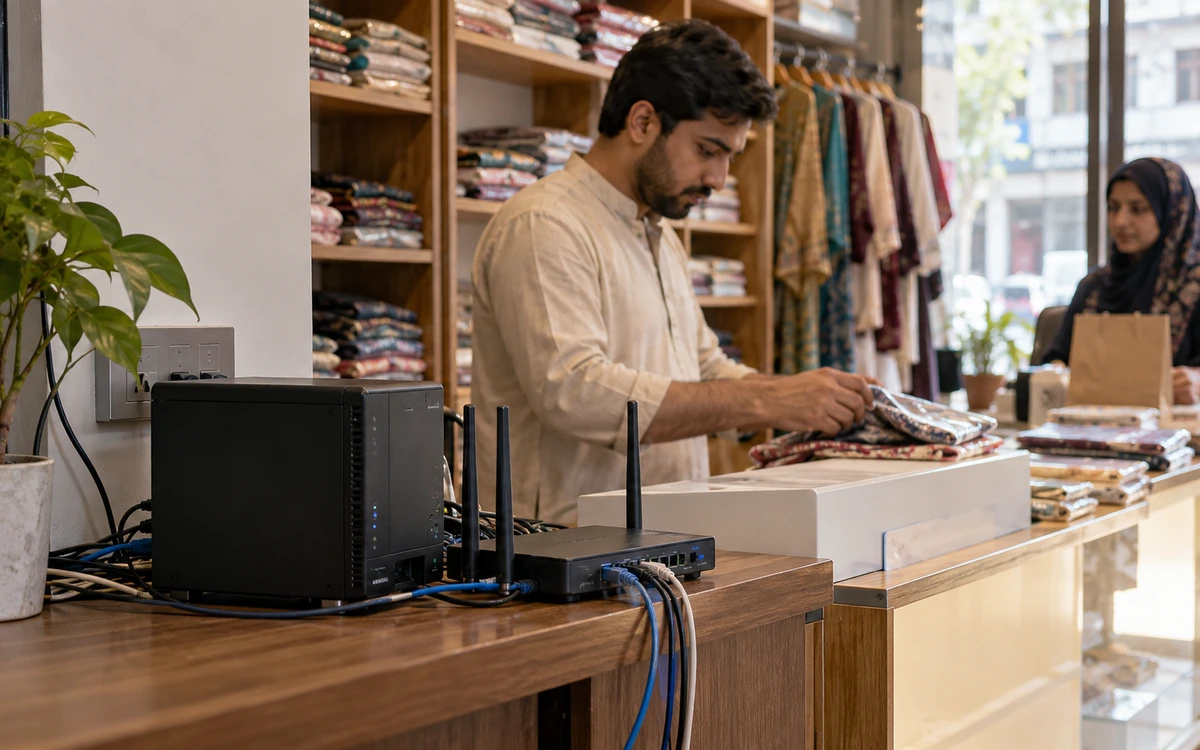
Offline, Online or Hybrid POS: Which Setup Fits Your Business?
The right POS deployment is the one that keeps your actual business moving.

One-Time POS Licence vs Monthly Subscription: Compare the Real Cost
A small monthly figure and a one-time software quote describe different payment models.
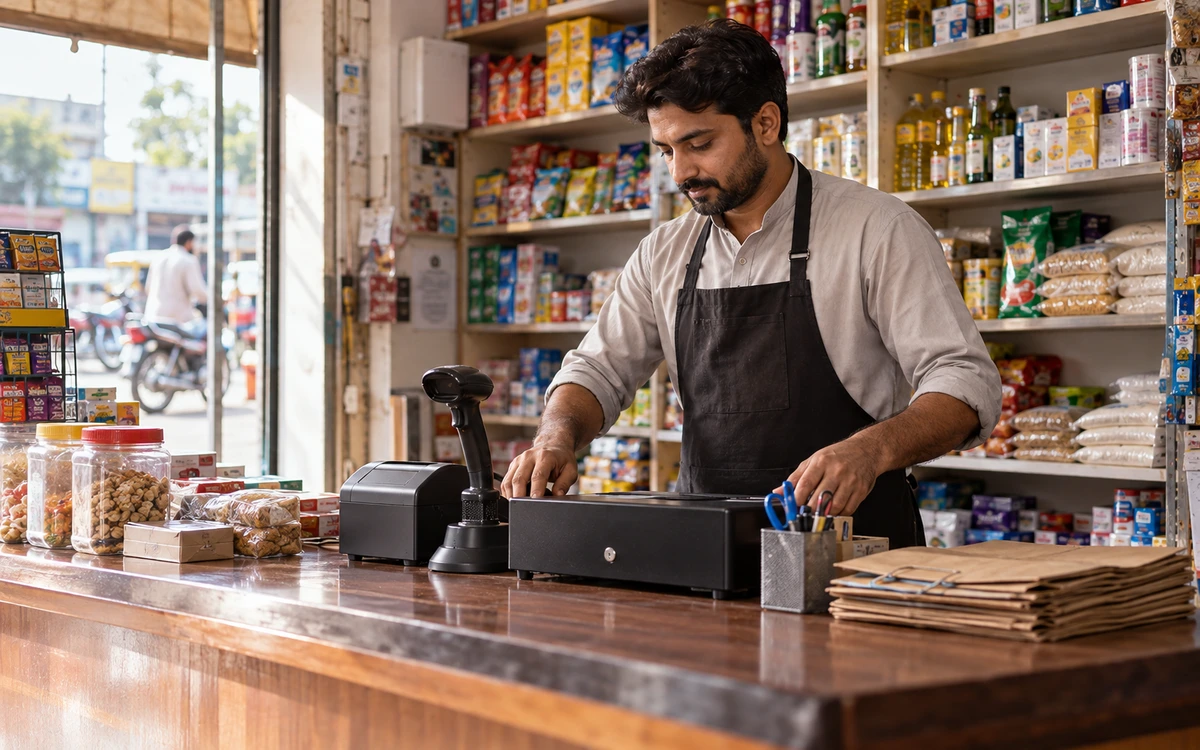
A Practical POS Setup for a Tuck Shop or Small Retail Startup
A small shop deserves a professional counter without unnecessary complexity.