
Grocery POS with Intermittent Internet: A Hybrid Buying Checklist
A grocery queue should not become a lesson in network troubleshooting.
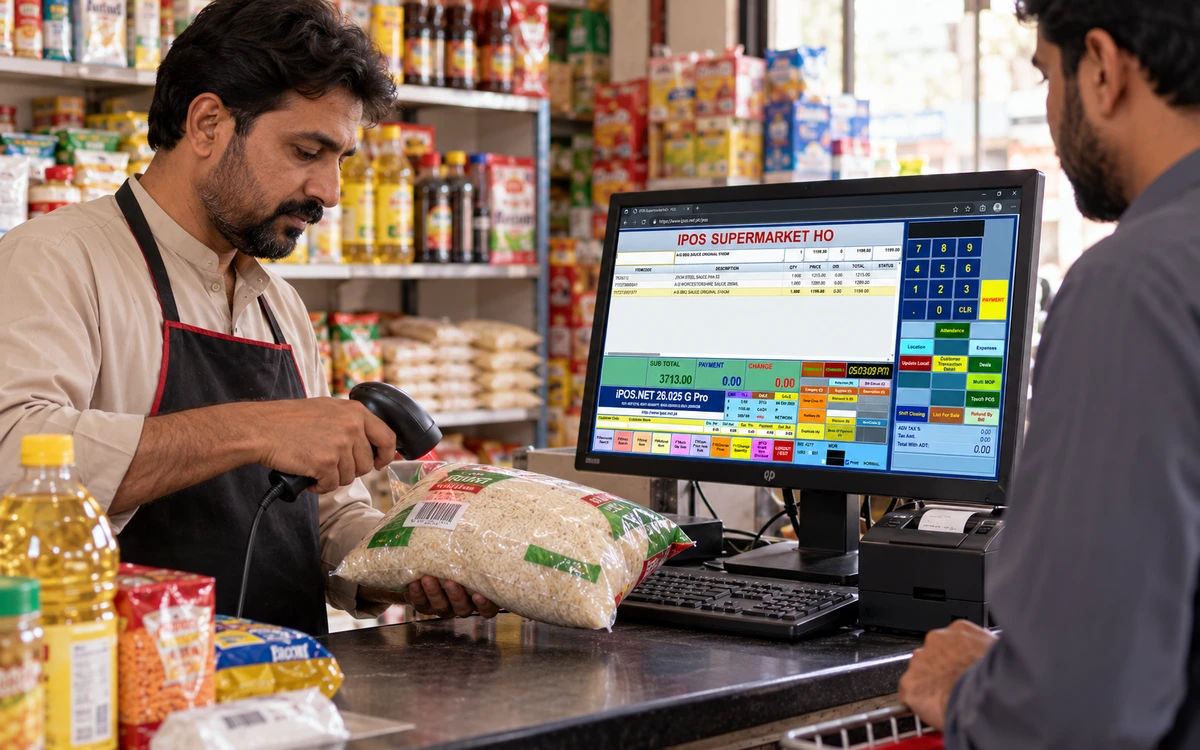
A grocery queue should not become a lesson in network troubleshooting. If internet service is unreliable, design the counter workflow around that reality. Discuss an offline or hybrid iPOS setup, then identify the connected reporting and services you want alongside it. The useful question is which transactions keep working in the proposed configuration and how their records are reconciled later.
Product guide: iPOS POS options include offline, online and hybrid configurations. iPOS Web POS is the online product; iPOS Infinity is the ERP system. Selected POS editions offer one-time software licensing; request the edition-specific commercial scope.
Separate internet from the local network
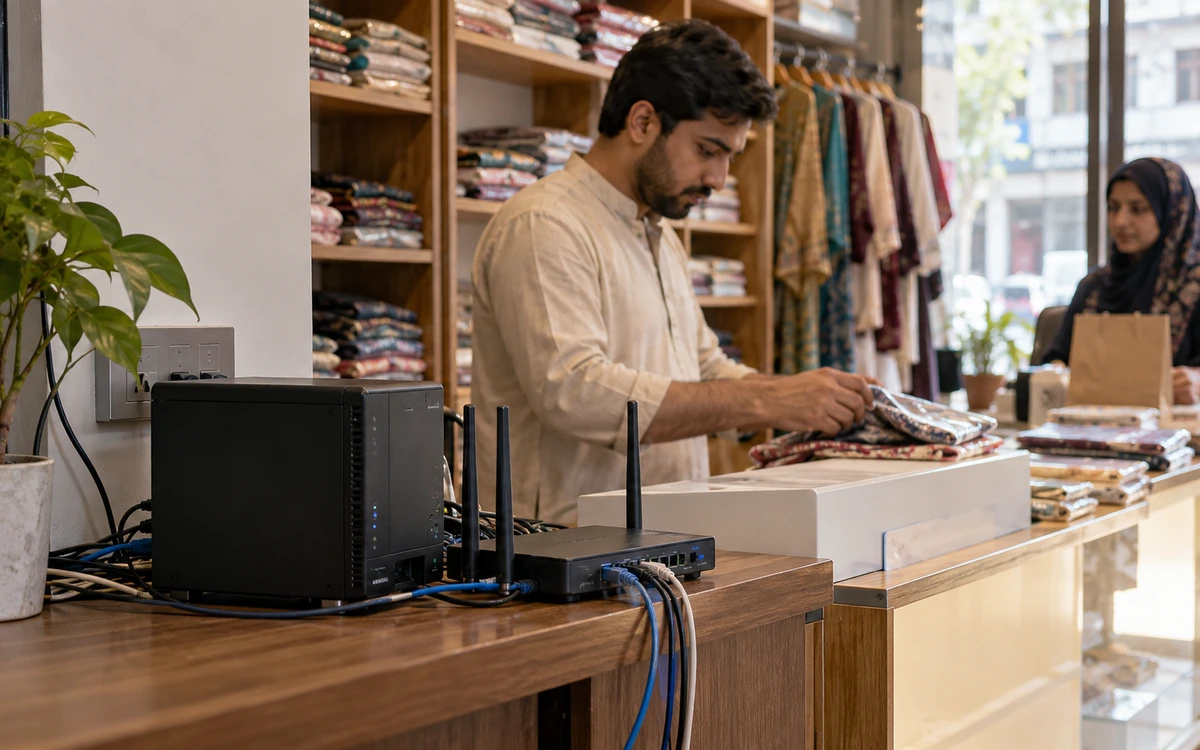
List the tills, local server if proposed, printers, scales and network equipment. An external internet outage is different from losing the local server, a switch or electricity. Ask the implementation team to draw the arrangement and identify each dependency. This prevents an offline-capable counter being mistaken for a complete solution to every equipment failure.
Keep the product and price process controlled
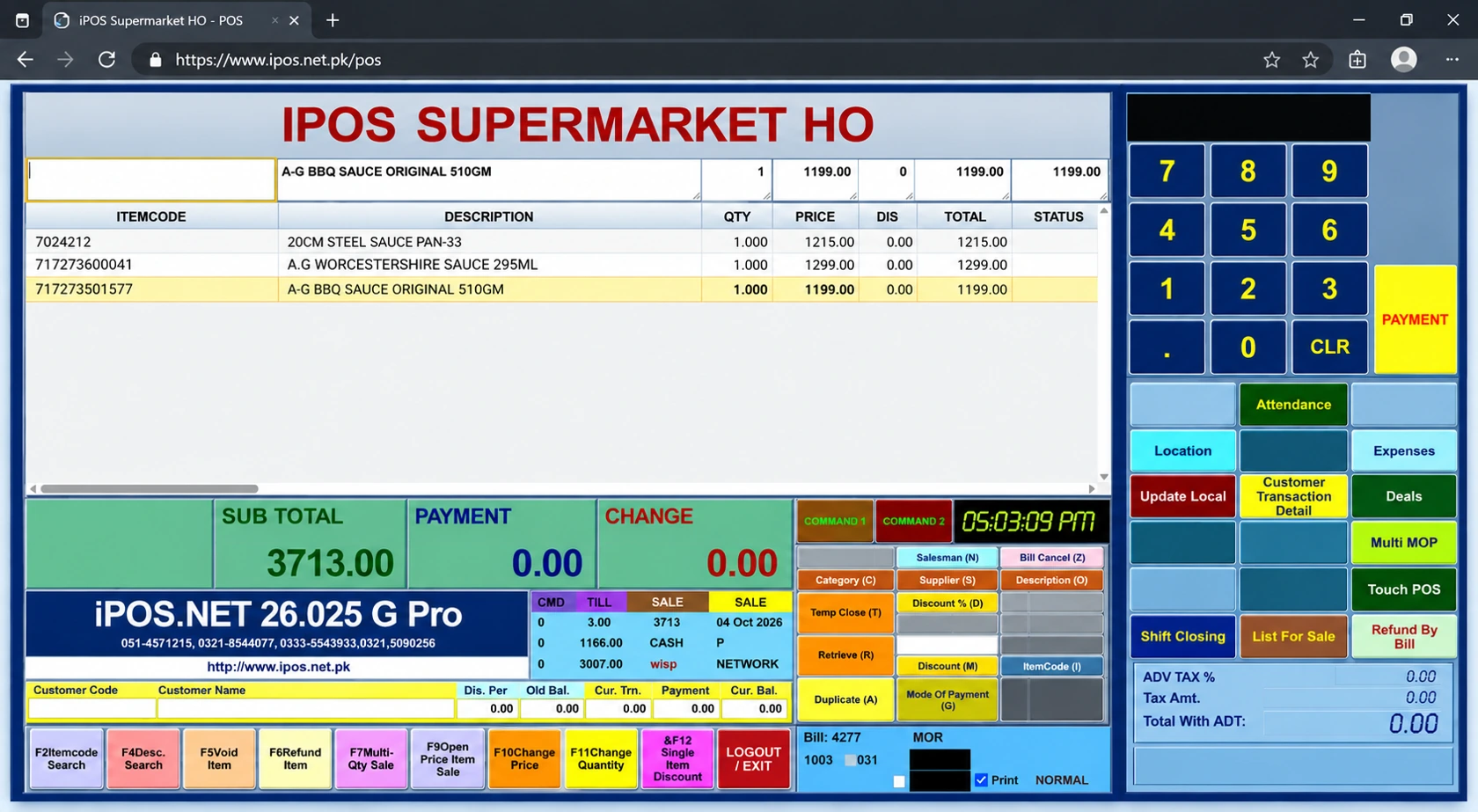
Define where product and price changes are made, how they reach the tills and how staff recognize an outdated record. Test a barcode, a pack size and an authorized price adjustment. The correct selling price and stock unit need to survive the working conditions you expect, rather than only appearing correctly during an ideal demonstration.
Rehearse a normal internet interruption
Disconnect the external internet under an agreed test plan and continue the operations the proposed local setup supports. Include a sale and the required receipt or return process. Record any task that pauses. On reconnection, check transaction references, stock movements and the owner’s connected view before accepting the result.
Look for visible exceptions
Ask how staff identify unsynchronized activity or a failed connected service. Give the exception a responsible person and a next action. Pressing a button repeatedly is not a recovery procedure. A good implementation makes it possible to distinguish a record awaiting transmission from one that needs investigation, and to avoid treating a reporting delay as missing sales.
Plan backups and power
Confirm the backup location, frequency, restoration method and person responsible for checking it. Consider power protection for the devices needed to keep the counter running. A local installation creates useful independence from external internet for agreed tasks, but its computer and network still need care. A recovery demonstration is stronger evidence than a promise that a backup exists.
Price the connected functions separately
Ask which reporting, synchronization, owner-app and hosting services are included, and whether they carry recurring charges. Compare these with the one-time software licence where available for the selected POS edition. This gives the grocery owner a realistic view of the whole system instead of comparing only the visible till screen.
More from Insights
Offline, Online or Hybrid POS: Which Setup Fits Your Business?
The right POS deployment is the one that keeps your actual business moving.

One-Time POS Licence vs Monthly Subscription: Compare the Real Cost
A small monthly figure and a one-time software quote describe different payment models.
A Practical POS Setup for a Tuck Shop or Small Retail Startup
A small shop deserves a professional counter without unnecessary complexity.