
POS for Garments and Footwear: Variants, Exchanges and Branch Stock
A garments business needs to know which size and colour is available, not merely how many shirts exist in total.

A garments business needs to know which size and colour is available, not merely how many shirts exist in total. Add exchanges, seasonal pricing and multiple branches and the quality of your product structure becomes decisive. Compare iPOS configurations using your actual stock and return scenarios, with the deployment and licence model chosen around the scale of your operation.
Product guide: iPOS POS options include offline, online and hybrid configurations. iPOS Web POS is the online product; iPOS Infinity is the ERP system. Selected POS editions offer one-time software licensing; request the edition-specific commercial scope.
Give each sellable variant a clear identity
Prepare sample styles with their sizes, colours, barcodes and units. Demonstrate receiving, selling and counting the variants separately. Check what the operator sees when a barcode is missing or a label is damaged. A clear product structure helps staff select the right item and gives purchasing decisions a reliable basis.
Test the exchange your staff actually handle
Sell one size and exchange it for another, including a price difference where appropriate. Inspect the original sale, the adjustment, the stock effect and the payment or customer balance. Repeat the scenario under the permissions intended for an ordinary cashier and a supervisor. An exchange workflow should explain what happened without hiding the original transaction.
Review offers and price control
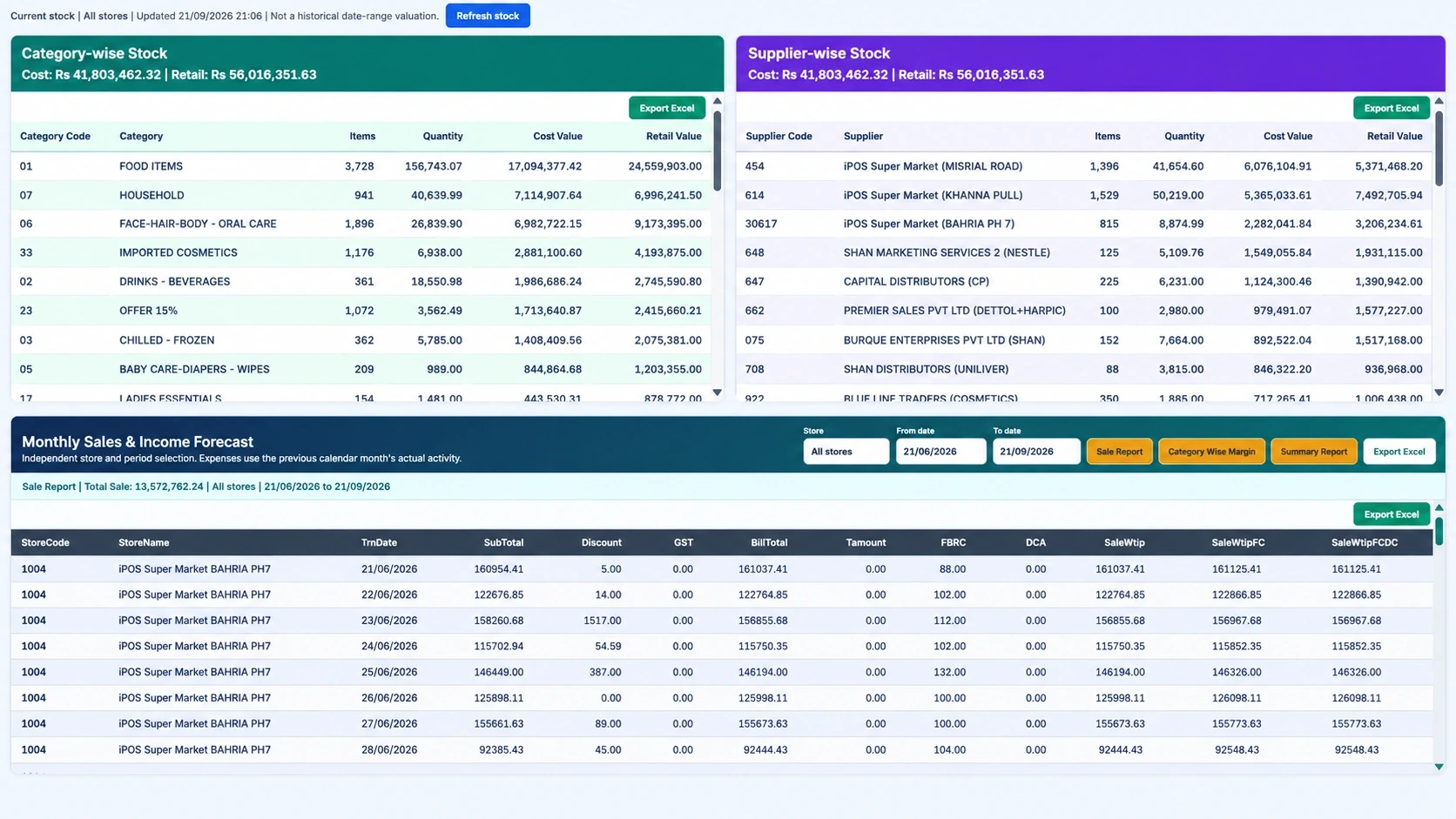
Use a seasonal offer or a set of products with different permitted prices. Ask who may create the offer, change a price at the till and approve an exceptional discount. Identify which branches receive the change and when. Keep the commercial rules clear so that a promotion does not become an uncontrolled collection of manual adjustments.
Trace branch transfers
Move a representative variant between two locations in the proposed multi-branch setup. Follow dispatch, receipt and the handling of a discrepancy. Confirm which quantity an operator may promise to a customer and whether that information requires a live connection. A transfer record is more useful when staff know who owns each stage.
Choose local operation and remote access deliberately
An offline or hybrid POS may suit counters exposed to unstable internet, while connected reporting helps an owner review several locations. iPOS Web POS is the online product and needs internet. Discuss each requirement separately so that a desired owner view does not create an unexamined dependency for every sale at the counter.
Ask for the smallest complete scope
A single garments shop and a retail chain can start from different configurations within the iPOS range. Ask about suitable POS licensing before assuming Infinity ERP is necessary. Include required stock, purchasing, permissions, devices, branch work and support in the quote. Use a pilot with real variants and exchanges to confirm that the selected scope fits.
More from Insights
Offline, Online or Hybrid POS: Which Setup Fits Your Business?
The right POS deployment is the one that keeps your actual business moving.

One-Time POS Licence vs Monthly Subscription: Compare the Real Cost
A small monthly figure and a one-time software quote describe different payment models.
A Practical POS Setup for a Tuck Shop or Small Retail Startup
A small shop deserves a professional counter without unnecessary complexity.