
Fast-Food POS, Online Orders and Driver Dispatch: Plan One Workflow
A fast-food business can have a busy till and a busy phone at the same time.
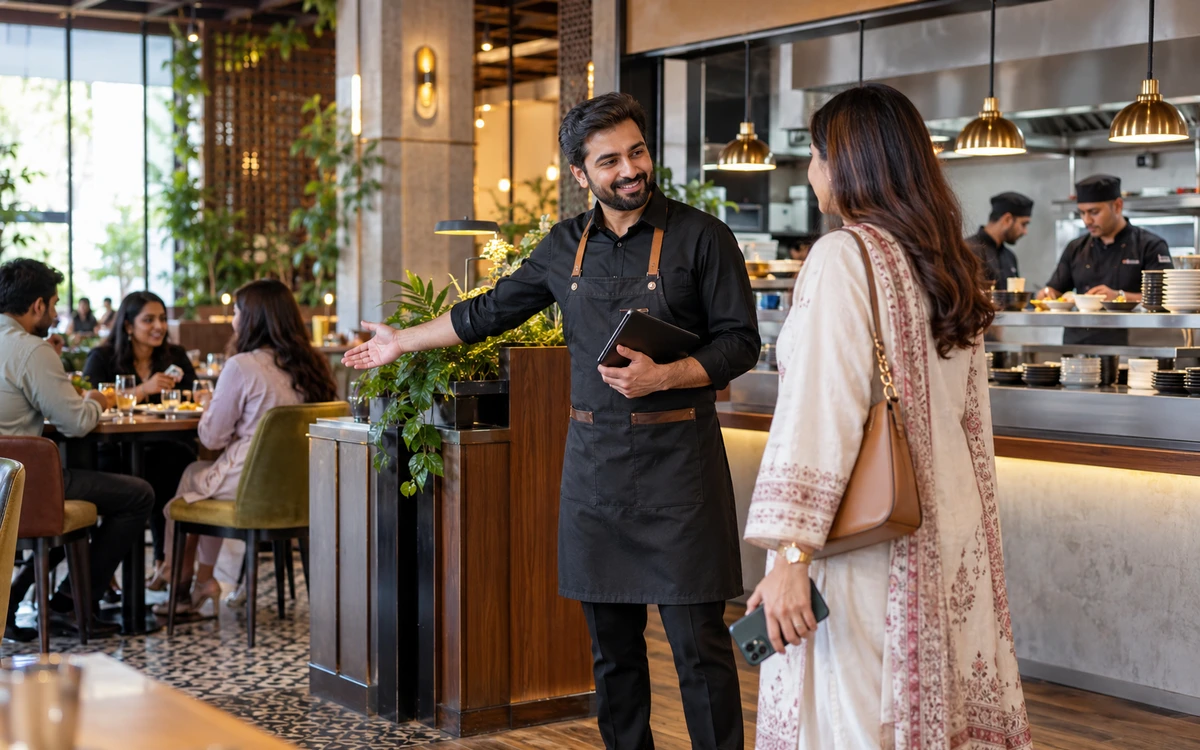
A fast-food business can have a busy till and a busy phone at the same time. Adding an ordering app helps only when the kitchen, dispatcher and driver know what to do with the order. Scope the connected journey with iPOS: customer ordering, POS acceptance, preparation, dispatch and settlement. Driver and navigation functions must be included explicitly in the proposed app scope.
Product guide: iPOS POS options include offline, online and hybrid configurations. iPOS Web POS is the online product; iPOS Infinity is the ERP system. Selected POS editions offer one-time software licensing; request the edition-specific commercial scope.
Give every order one identity
Bring counter, phone and online-order examples to the demonstration. Follow each through acceptance and preparation using a traceable reference. Ask what prevents the same request being entered twice and how staff identify an amendment. The kitchen should receive the intended order version, while the cashier retains a clear view of payment and customer commitments.
Define the driver handoff
Decide who assigns a driver, what the driver sees and which status changes the business needs. Separate ready-for-dispatch from collected and completed. Discuss failed delivery, reassignment and a customer changing the address. If navigation links or location features are required, name them in the proposal and demonstrate the supported devices, mapping service and connection requirements.
Make the customer app operational
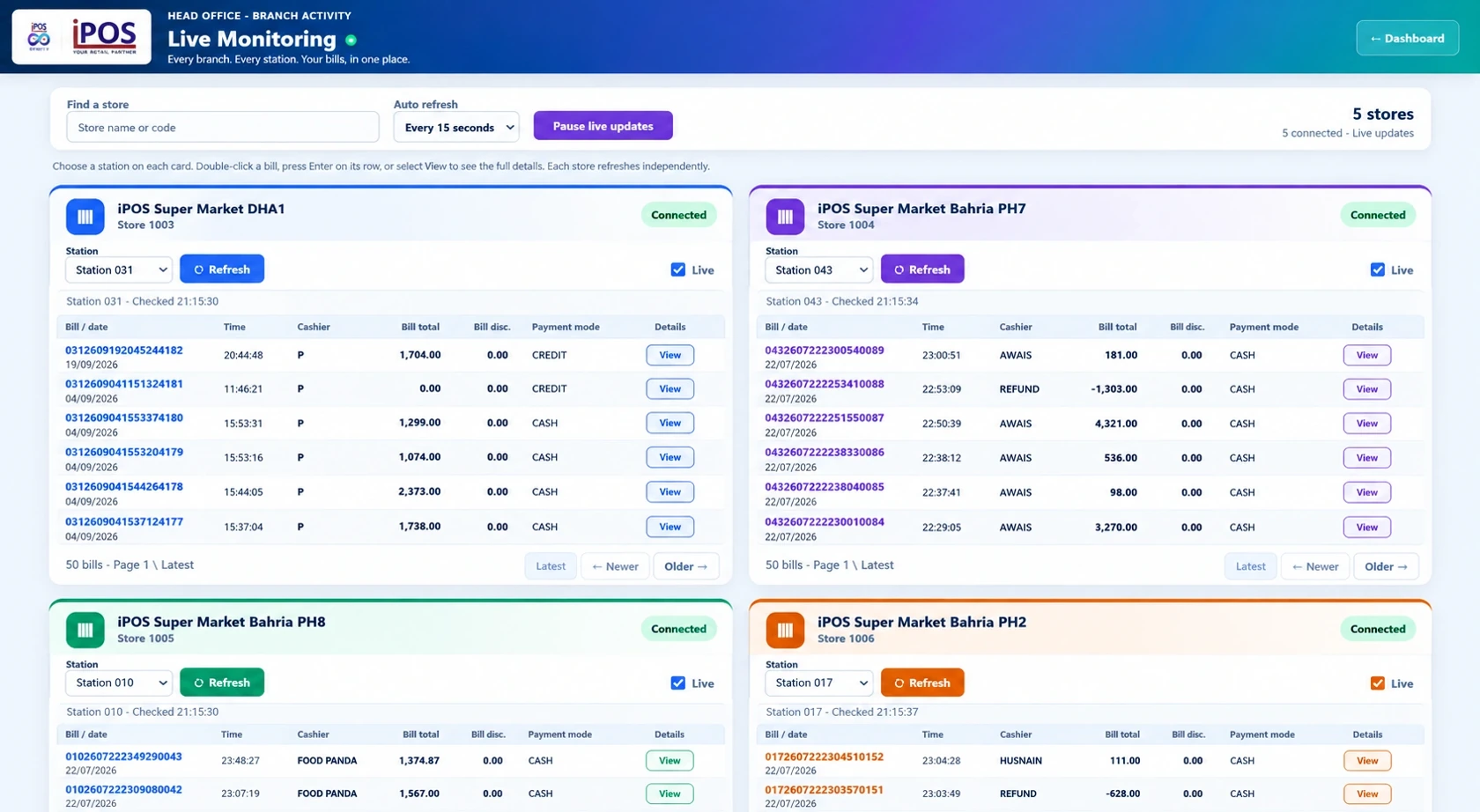
An attractive menu is only the start. Evaluate item availability, delivery areas, charges, address entry, order confirmation and cancellation. Ask which payments are supported and what happens when payment succeeds but a later operational step fails. Confirm ownership of app-store accounts, publishing, maintenance and any recurring services before committing to a launch date.
Reconcile delivery payments
Demonstrate cash collected by a driver, an online-paid order and a cancelled order. Show how the customer document, driver handover and settlement records relate. Agree who investigates a discrepancy and which references they use. Delivery operations become harder to manage when order status is treated as proof that the correct money was received.
Plan for intermittent connectivity
A local or hybrid counter can serve a different role from an online customer app. Document which counter tasks can continue locally and which connected tasks need internet. A driver’s mobile connection, the restaurant’s internet and its local network can fail independently. Test the proposed exceptions and define a customer communication procedure rather than promising universal offline operation.
Roll out in stages
Pilot a small delivery area and a manageable menu with the actual cashier, kitchen and dispatcher. Rehearse cancellation, reassignment and an unavailable item before opening the channel widely. Add the ordering and delivery scope to the POS proposal rather than assuming a base licence includes a complete delivery platform. A scoped demonstration is the next step to an accurate quote.
More from Insights
Offline, Online or Hybrid POS: Which Setup Fits Your Business?
The right POS deployment is the one that keeps your actual business moving.

One-Time POS Licence vs Monthly Subscription: Compare the Real Cost
A small monthly figure and a one-time software quote describe different payment models.
A Practical POS Setup for a Tuck Shop or Small Retail Startup
A small shop deserves a professional counter without unnecessary complexity.