
Planning a 50-Counter POS Deployment: Test Performance Before Rollout
Fifty active counters make performance an engineering and operating question.

Fifty active counters make performance an engineering and operating question. The labels cloud, offline and hybrid do not by themselves prove capacity. Scope the iPOS deployment around the expected workload, devices, network, data and management reporting. Use a written acceptance test to establish the behaviour of the exact proposed configuration instead of relying on an unmeasured fastest-provider claim.
Product guide: iPOS POS options include offline, online and hybrid configurations. iPOS Web POS is the online product; iPOS Infinity is the ERP system. Selected POS editions offer one-time software licensing; request the edition-specific commercial scope.
Describe the peak workload
Estimate concurrent tills, basket sizes, product-search patterns, payments, returns and receipt printing. Include purchasing, stock checks and reports that may run while checkout is busy. Distinguish fifty configured devices from fifty simultaneous transactions. The test should represent the busiest credible period, not simply opening the application on many machines.
Record the proposed environment
Document server resources where applicable, counter devices, database arrangement, LAN, internet and connected services. Keep software versions and configuration assumptions with the test results. A change in infrastructure can change the result, so performance evidence should identify the environment it describes. Ask who monitors capacity after rollout and how the business raises a performance issue.
Measure the operations customers notice
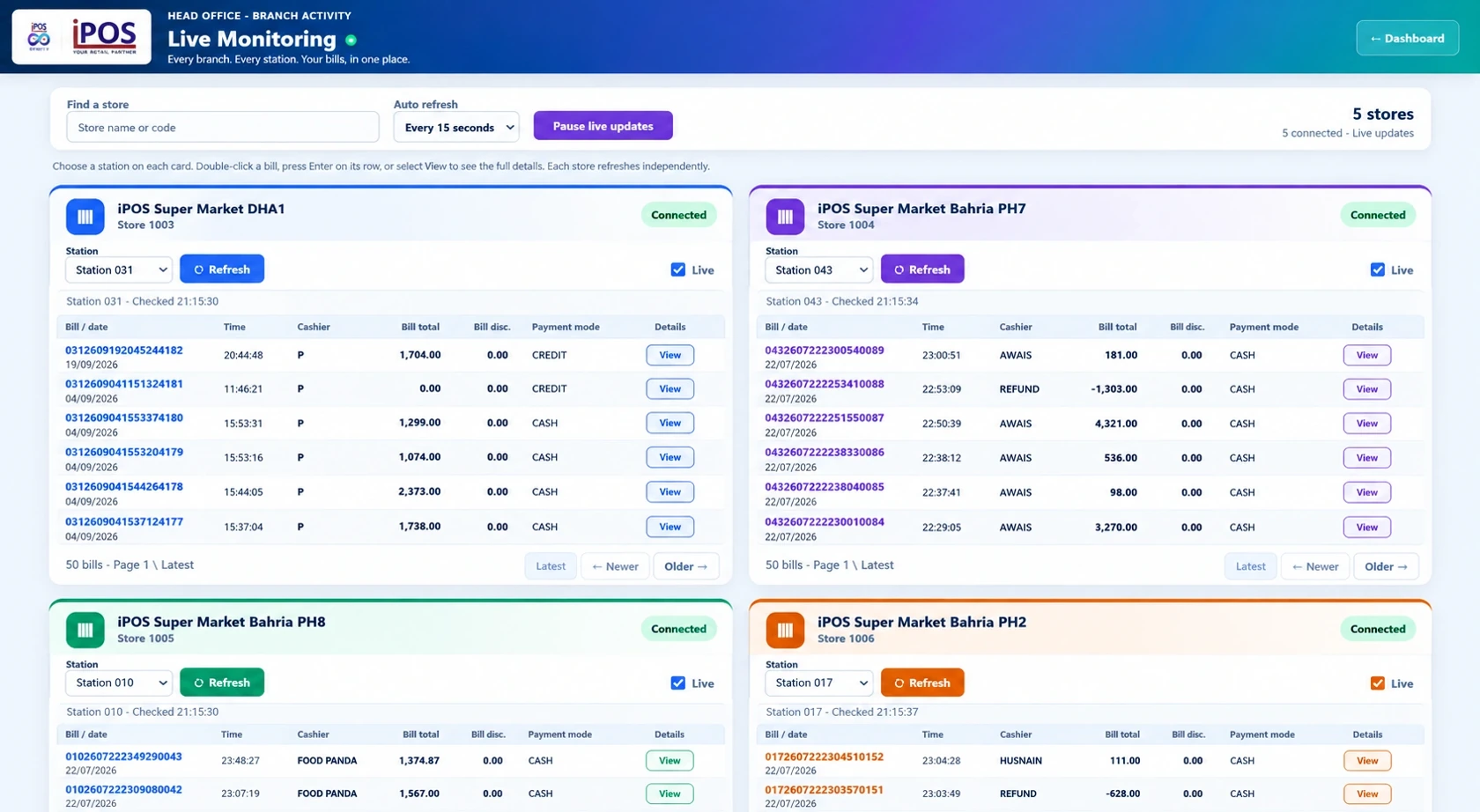
Time product search, scanning, payment completion and the required receipt output under representative load. Look at slower responses as well as averages. Record failures, timeouts and retries. The objective is an agreed service level for the business rather than a single impressive number measured under unexplained conditions.
Test data and permission controls
Include normal operators and supervisors, real product relationships and authorized corrections. Compare the transactions recorded at the counters with stock and reporting. A fast response is not sufficient if the resulting records cannot be reconciled. Keep performance checks and transaction-correctness checks together in the acceptance plan.
Rehearse failure and recovery
Evaluate the agreed internet-outage scenario separately from a local network or server outage. For a hybrid deployment, identify which functions remain local and which wait for connectivity. Confirm how the team detects recovery and checks outstanding records. Any failover or backup arrangement should be demonstrated within its proposed scope.
Choose architecture from evidence
Cloud-based systems can be designed for substantial concurrency; local and hybrid systems also depend on their design and resources. There is no useful universal rule that cloud stops at fifty PCs. Bring your workload to iPOS and ask for a scoped design, pilot and acceptance criteria. Infinity ERP and the selected POS components should be evaluated for the roles they will actually perform.
More from Insights

Offline, Online or Hybrid POS: Which Setup Fits Your Business?
The right POS deployment is the one that keeps your actual business moving.

One-Time POS Licence vs Monthly Subscription: Compare the Real Cost
A small monthly figure and a one-time software quote describe different payment models.

A Practical POS Setup for a Tuck Shop or Small Retail Startup
A small shop deserves a professional counter without unnecessary complexity.