
Connect the operational and commercial views
Fuel-station management involves more than a list of sales. Operators need equipment status, transaction context and relevant tank information, while managers also need purchasing, stock, accounting and reporting. Infinity’s forecourt scope includes PTS-2 integration, dispenser and nozzle monitoring, fuel transaction collection and ATG-related visibility. These capabilities must be matched to the actual controller and equipment at the site.
Verify the equipment configuration first
Prepare an equipment inventory before discussing implementation: controller model, dispenser makes, nozzle and grade assignments, tank probes and communication arrangements. Ask the iPOS team to confirm supported protocols, mappings and required configuration. Do not assume that two installations with a PTS-2 controller are identical. The availability and meaning of individual measurements depend on the connected hardware and its setup.
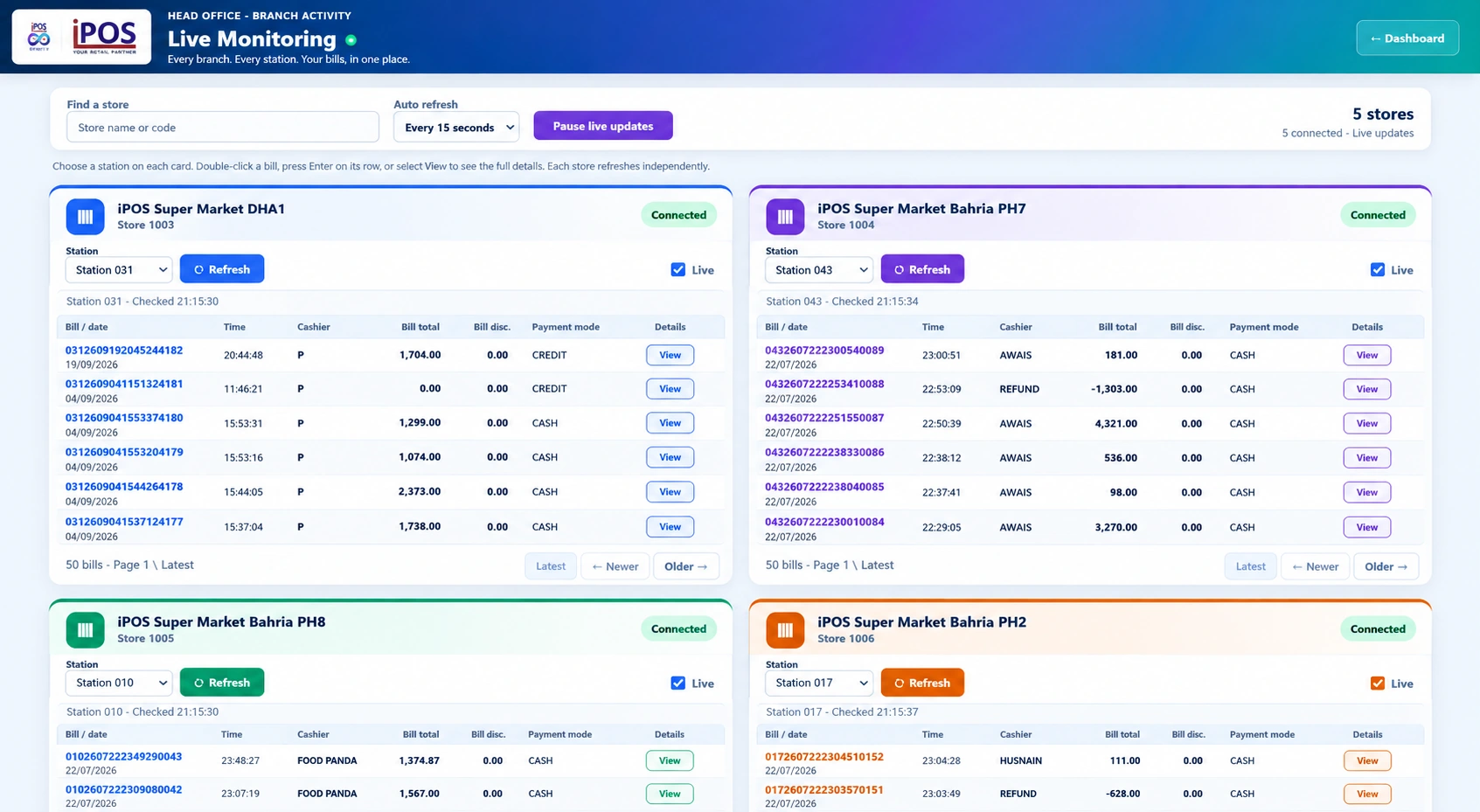
Understand status and transaction context
Infinity’s supplied feature scope includes nozzle-up, filling, initializing, saved and offline states, together with last-transaction and shift-sale information. A useful demonstration explains what each state represents in the configured environment. Ask how a communication timeout is surfaced and how an operator distinguishes a current reading from an older one. The software view should support the site’s authorized operating procedures, not replace them.
Review ATG readings with their source
The product scope includes product volume, water level, temperature, density and mass readings. Confirm which of these the installed probe and controller actually supply. Ask how the dashboard labels units, tanks and refresh times. Tank readings and commercial stock reports may answer different questions, so agree how the business will compare them and investigate a discrepancy.
Treat control actions as authorized workflows
Remote price updates, automatic totals and price transmission require careful scoping. Confirm who may issue commands and what operational history is recorded. Use supported simulator workflows to discuss behavior before planning live-site changes. Equipment commissioning and safety-critical procedures should remain with qualified, authorized personnel. A website demonstration is not a live connection to pumps or tanks.
Your practical checklist
- Inventory the controller, dispensers, probes and communication setup.
- Confirm supported protocols and the available measurements.
- Review offline states, refresh times and command history.
- Agree authorized users and the commissioning process.
Common questions
Does every ATG installation expose the same measurements?
No. Available readings depend on the probe, controller, protocol and configuration.
Are the screenshots on this site a live forecourt connection?
No. They are supplied product captures. No live pump, tank or customer system is connected to this website.
Product scope is based on the supplied Infinity specification. Confirm modules, hardware compatibility and implementation responsibilities for your own setup. This guide does not make a competitor ranking or promise a business result.