
A Tuck Shop Owner's First Week with iPOS: Setup and Training
A tuck shop can start with a focused iPOS configuration for products, billing, stock and daily closing. Practical operator training and clean opening data matter more than introducing every available business-management module at once.
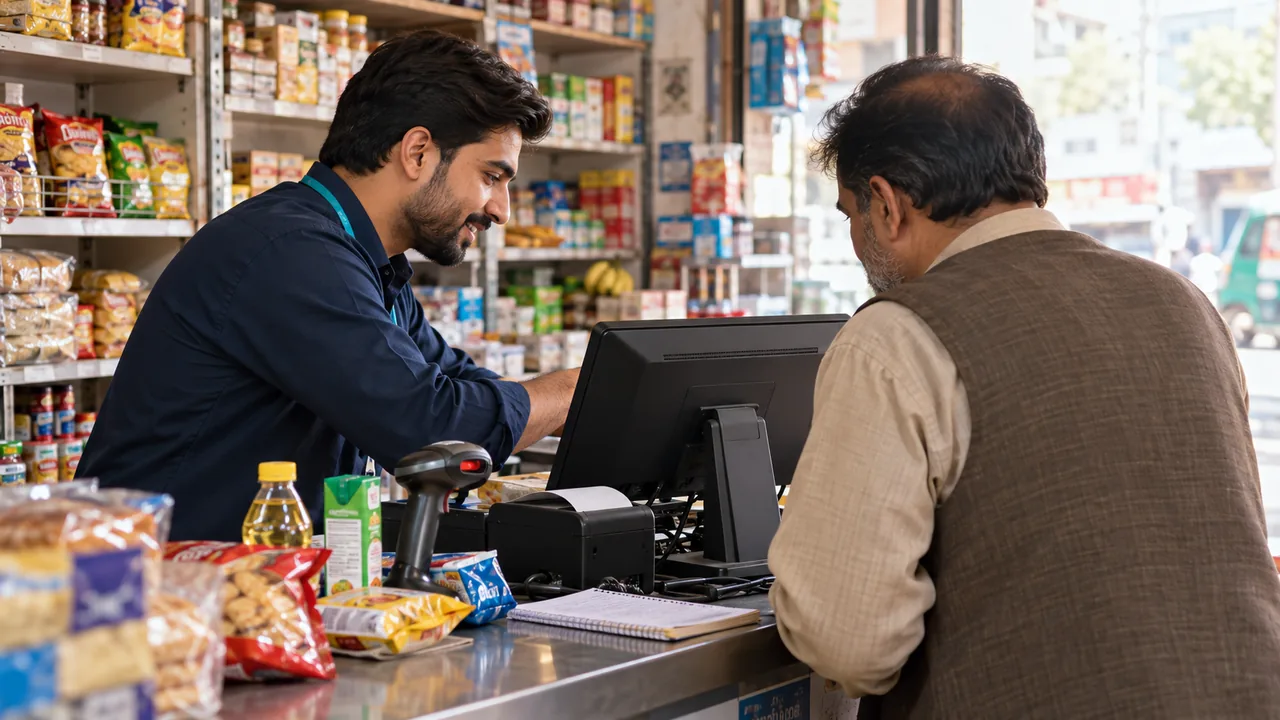
AI-generated editorial illustration.
Prepare a useful opening product list
Choose accurate product names, barcodes, selling units, prices and opening quantities. Distinguish a carton from an individual item where both are sold. Check items without manufacturer barcodes and decide how staff will select them. A short, accurate catalogue is easier to learn and maintain than a large import containing duplicates, inconsistent units and prices the owner has not reviewed.
Train against a real trading sequence
The iPOS team can walk the operator through opening the counter, scanning a basket, correcting an error, accepting the required payment and issuing a receipt. Encourage questions while the tasks are still new. Ask the cashier to repeat the workflow without the trainer taking control. This reveals uncertainty early and creates a clearer basis for follow-up than a presentation alone.
Build a closing habit from day one
At closing, compare the recorded activity with actual cash and the agreed non-cash payment records. Explain who may approve a correction and how shortages are escalated. Make the owner responsible for confirming the backup routine and the availability of the agreed support channel. An offline installation still needs powered equipment and recovery arrangements; training should include those operational responsibilities.
A practical scenario
A first-time owner practices five baskets before opening, including an incorrect item and a returned product. At the end of the first day, the owner and cashier review the closing figures together. Questions are recorded for the next session rather than allowing a doubtful shortcut to become the normal procedure.
Demonstration and acceptance checklist
| Action to demonstrate | Evidence to inspect |
|---|---|
| Scan an everyday basket | The operator identifies items confidently |
| Correct a mistaken line | The agreed authorization is followed |
| Record a stock delivery | Units and quantities are understood |
| Complete first-day closing | Cash and recorded activity are compared |
Questions buyers ask
Does a tuck shop need Infinity ERP to start?
No. Discuss the focused POS scope first and consider wider ERP requirements only when they are relevant.
Can training be repeated for a new cashier?
Ask for the agreed refresher and onboarding arrangements, including which training videos and remote sessions are available.
Relevant iPOS options
Related guides
- How iPOS Trains a New Client: Practical Sessions, Questions and Handover
- iPOS Support: Reporting an Issue and Preparing for Remote Assistance
- Store Workflow Controls: Receiving, Billing, Returns and Closing
Compare the iPOS product range or contact iPOS about your requirements.
More from Insights

How iPOS Trains a New Client: Practical Sessions, Questions and Handover
iPOS training should help people perform their actual responsibilities confidently. The approach can include guided practice, questions, training videos a…
iPOS Support: Reporting an Issue and Preparing for Remote Assistance
iPOS offers 24-hour support contact and online assistance arrangements for clients. Agree the channels, coverage and escalation terms for your implementat…

Dispatch Software: Assigning Work, Tracking Progress and Resolving Exceptions
Dispatch software should make the responsibility for each job visible from allocation to completion. iPOS can scope tailored dispatch and driver applicati…