
iPOS Support: Reporting an Issue and Preparing for Remote Assistance
iPOS offers 24-hour support contact and online assistance arrangements for clients. Agree the channels, coverage and escalation terms for your implementation. Being able to contact support is different from a guarantee that every incident will be resolved immediately or without any interruption.

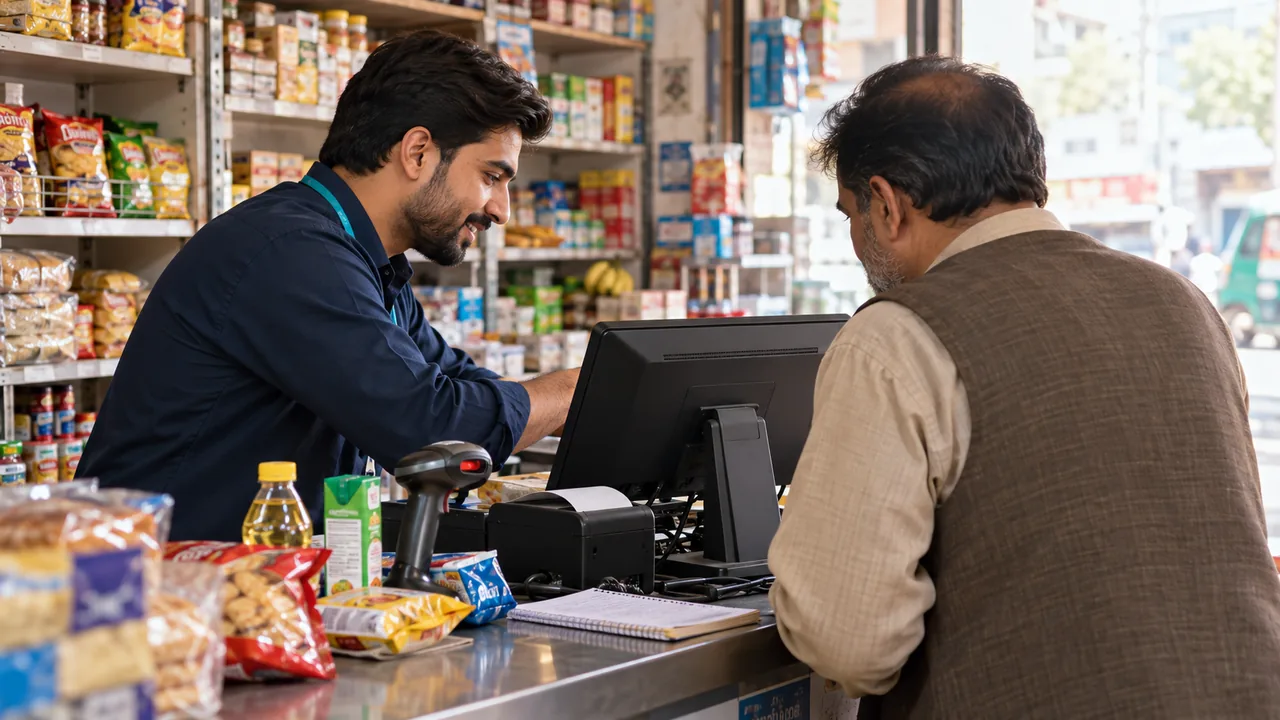
AI-generated editorial illustration.
Give the team a useful first report
Describe the affected task, when the issue began, which users or counters are affected and the exact message shown. State whether the internet, local server and peripherals are available. A clear report helps the team distinguish software, data, equipment and connectivity problems. Avoid repeatedly changing settings before recording what happened, because that can make the original issue harder to understand.
Separate safe continuity from investigation
Staff should know which agreed tasks may continue while an issue is reviewed and which actions need approval. Do not recreate transactions simply to make a missing remote figure appear. The support plan should identify escalation, remote-session arrangements and any local responsibilities. If the team needs access, use the agreed authorized process and keep responsibility for the business records clear.
Learn from the incident and follow-up
A professional response records the issue, actions taken and the outcome. Recurring problems should lead to a review of their cause, not only the same temporary action. Training, configuration, infrastructure or a software correction may be appropriate depending on the evidence. Support and maintenance charges should be itemized in the agreement so clients understand included assistance and separately scoped work.
A practical scenario
A counter cannot print while billing remains available. The client records the printer model and message, checks the agreed basic connections and contacts support with the affected workflow. The investigation then follows the printing path instead of assuming that every problem requires reinstalling the POS or restoring the database.
Demonstration and acceptance checklist
| Action to demonstrate | Evidence to inspect |
|---|---|
| Prepare an issue report | The task, time and exact message are included |
| Identify affected operations | Support can distinguish local and wider impact |
| Arrange remote assistance | Access follows the authorized process |
| Review the outcome | Actions and any follow-up responsibility are recorded |
Questions buyers ask
Does 24-hour contact mean guaranteed instant recovery?
No. Confirm the agreed response, escalation, coverage and recovery arrangements for the issue and implementation.
Should I delete data or reinstall before contacting support?
Use the agreed incident procedure. Destructive changes can remove evidence or business records and should not be improvised.
Relevant iPOS options
Related guides
- A Tuck Shop Owner's First Week with iPOS: Setup and Training
- How iPOS Trains a New Client: Practical Sessions, Questions and Handover
- Store Workflow Controls: Receiving, Billing, Returns and Closing
Compare the iPOS product range or contact iPOS about your requirements.
More from Insights

How iPOS Trains a New Client: Practical Sessions, Questions and Handover
iPOS training should help people perform their actual responsibilities confidently. The approach can include guided practice, questions, training videos a…
A Tuck Shop Owner's First Week with iPOS: Setup and Training
A tuck shop can start with a focused iPOS configuration for products, billing, stock and daily closing. Practical operator training and clean opening data…

Dispatch Software: Assigning Work, Tracking Progress and Resolving Exceptions
Dispatch software should make the responsibility for each job visible from allocation to completion. iPOS can scope tailored dispatch and driver applicati…