
How iPOS Trains a New Client: Practical Sessions, Questions and Handover
iPOS training should help people perform their actual responsibilities confidently. The approach can include guided practice, questions, training videos and agreed remote follow-up, with content matched to cashiers, managers, stock staff and owners rather than one generic demonstration for everyone.

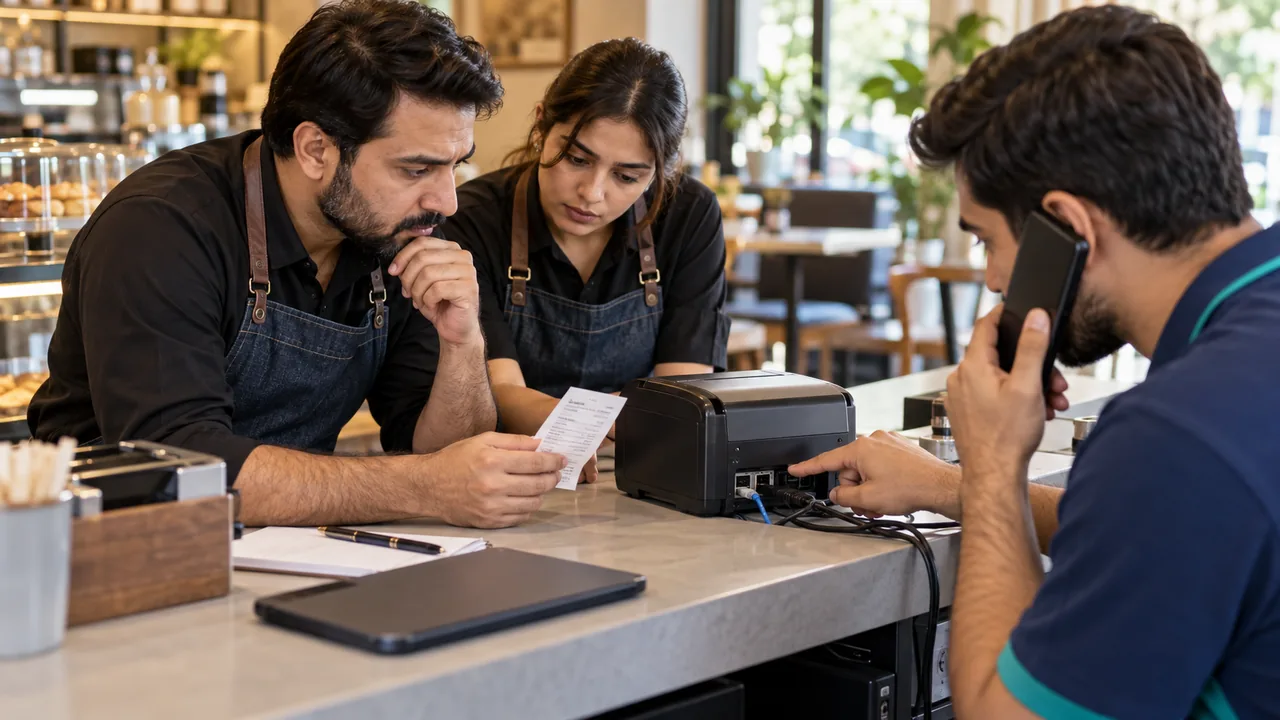
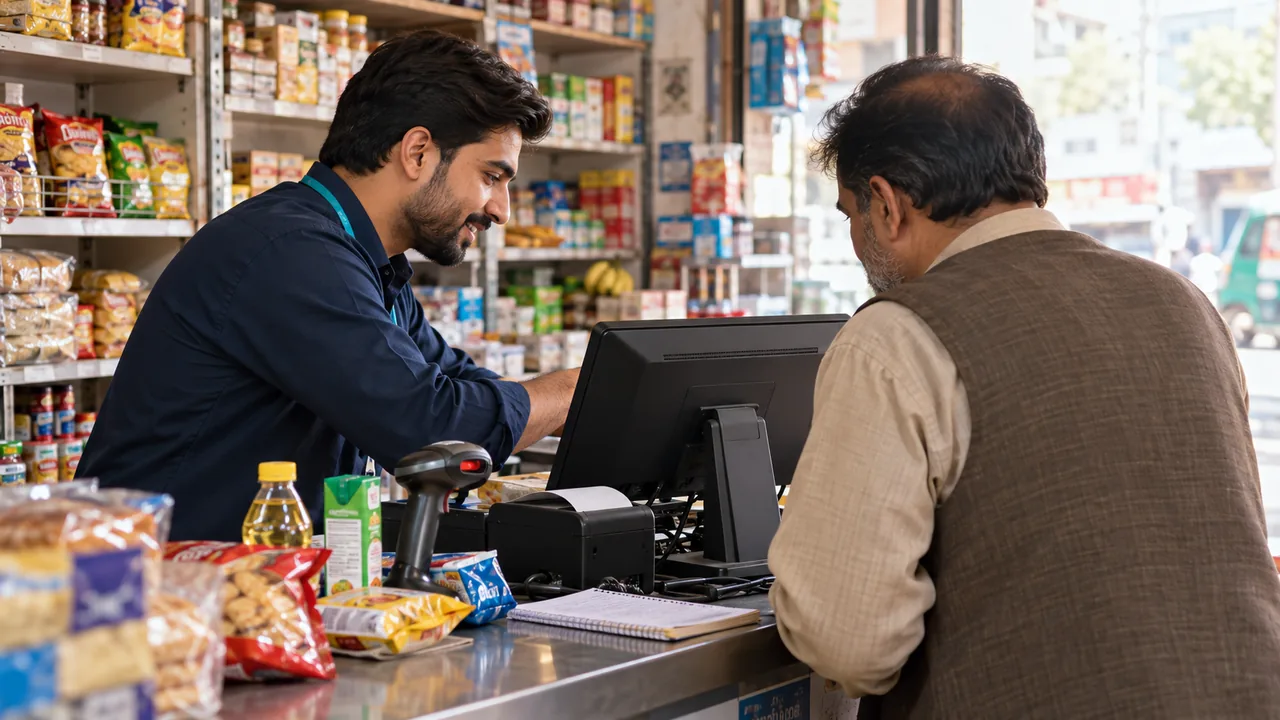
AI-generated editorial illustration.
Prepare people and data together
Training is more useful when examples resemble the real catalogue, prices and daily tasks. Identify the people who will operate the system, supervise exceptions and maintain records. Agree the first workflows they must learn. A manager may need approvals and closing controls, while a receiving operator needs quantities and supplier references. The training plan should reflect those differences in responsibility.
Encourage questions and repeat the work
A professional trainer explains patiently, encourages questions and checks understanding through practical work. Ask each participant to repeat a transaction without the trainer completing it for them. Include an error and its correct recovery procedure. This builds confidence and reveals uncertainty earlier than asking whether everyone understood a presentation. Questions should be treated as useful feedback, not as an interruption.
Make later learning easier
Agree which videos, written notes and remote sessions are available, and how a client asks for help after launch. Training material should identify its workflow and relevant product context so staff do not apply instructions from a different configuration. Include the onboarding of replacement staff in the support discussion. A useful handover leaves the customer with clear next steps and responsibilities, not dependence on one individual's memory.
A practical scenario
Before opening, a cashier practices a sale and correction, a manager practices an approval, and the owner reviews closing and support contacts. The team records questions that arise during the first trading days and uses them to guide a follow-up session. This is a training plan, not an invented customer testimonial.
Demonstration and acceptance checklist
| Action to demonstrate | Evidence to inspect |
|---|---|
| Repeat a normal transaction | The operator can complete it independently |
| Practice a common mistake | The recovery follows the agreed process |
| Find a relevant video or note | The material matches the intended workflow |
| Onboard a replacement operator | The business knows its training route |
Questions buyers ask
Can clients ask questions after the first session?
Agree the support and follow-up channels with iPOS. Questions and practical clarification are an important part of effective onboarding.
Does watching a video replace practical training?
Videos can reinforce learning, but operators should still demonstrate the tasks and exceptions they will perform at work.
Relevant iPOS options
Related guides
- iPOS Support: Reporting an Issue and Preparing for Remote Assistance
- A Tuck Shop Owner's First Week with iPOS: Setup and Training
- Store Workflow Controls: Receiving, Billing, Returns and Closing
Compare the iPOS product range or contact iPOS about your requirements.
More from Insights
iPOS Support: Reporting an Issue and Preparing for Remote Assistance
iPOS offers 24-hour support contact and online assistance arrangements for clients. Agree the channels, coverage and escalation terms for your implementat…
A Tuck Shop Owner's First Week with iPOS: Setup and Training
A tuck shop can start with a focused iPOS configuration for products, billing, stock and daily closing. Practical operator training and clean opening data…

Dispatch Software: Assigning Work, Tracking Progress and Resolving Exceptions
Dispatch software should make the responsibility for each job visible from allocation to completion. iPOS can scope tailored dispatch and driver applicati…