Plan the installation
Share your stores, counters, operating hours, internet, hardware and existing records. The representative will help choose the appropriate desktop, online or hybrid setup and arrange the installation.

Installation and Training
Request a setup and work with an iPOS representative from planning to go-live. The team can arrange installation, tailor the workflows and train your staff on the tasks they will perform.
Request a setupAn iPOS representative aims to respond within 15 minutes.
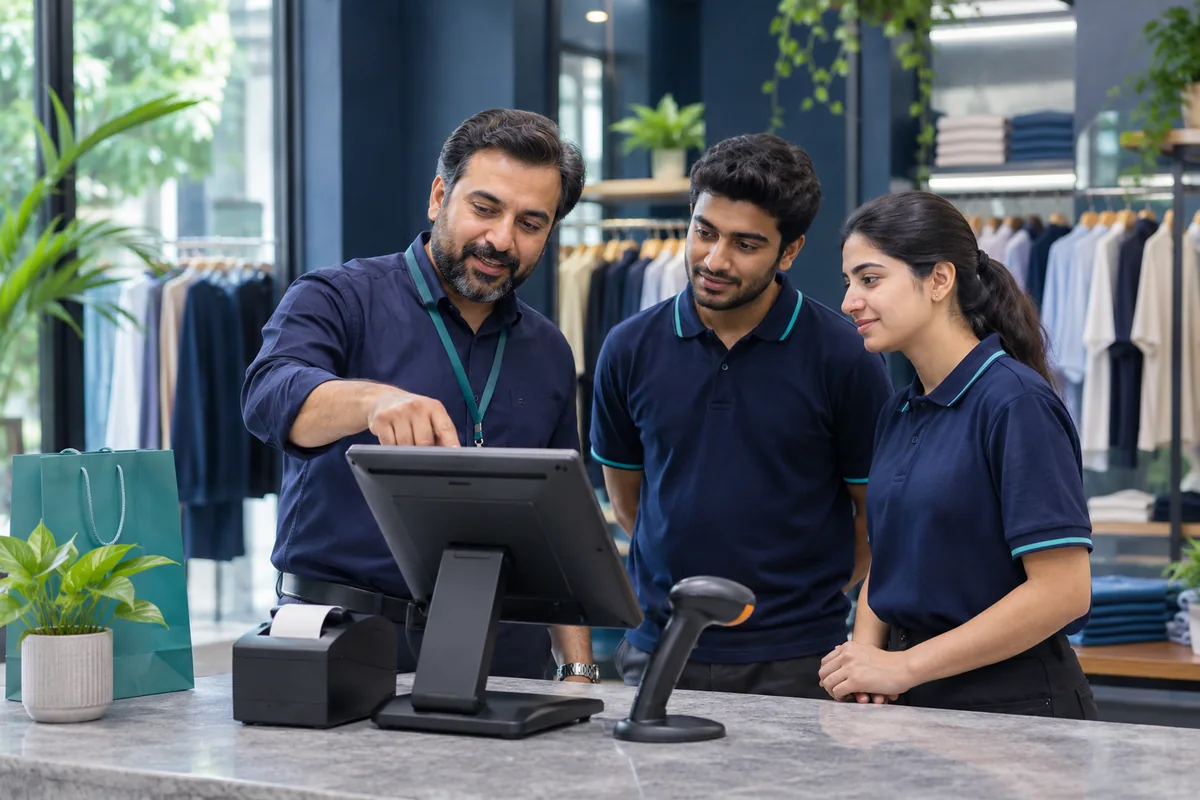
Share your stores, counters, operating hours, internet, hardware and existing records. The representative will help choose the appropriate desktop, online or hybrid setup and arrange the installation.
Practice billing, returns, opening counts, closing reports and other tasks staff actually perform. Use guided sessions and relevant videos to help new staff build confidence.
Test your printers, scanners, product groups, stock and user permissions. Agree who checks the first shift and how setup questions are raised and resolved.
A new shop can train with a small set of products before opening. A multi-branch retailer can pilot one location first and record the questions to cover in training at the next branch.
Yes. Request a setup. A representative can arrange installation, configure the agreed workflows and guide your team until it is ready to operate.
The team aims to respond within 15 minutes. The representative will confirm a suitable time for remote or on-site installation.
Your iPOS representative can arrange on-site or remote installation, tailor the setup to your business and train your staff through go-live.