Bank card terminals
Plan the register and terminal together. Infinity documents Bank Alfalah card-terminal integration for supported setups. Your bank, terminal and connectivity determine the installation scope.

Payment integrations
Bring card terminals, checkout records and accounts into one payment workflow. iPOS helps retail and restaurant teams plan how payments are recorded, refunded and reconciled at each branch.
Request a setupAn iPOS representative aims to respond within 15 minutes.
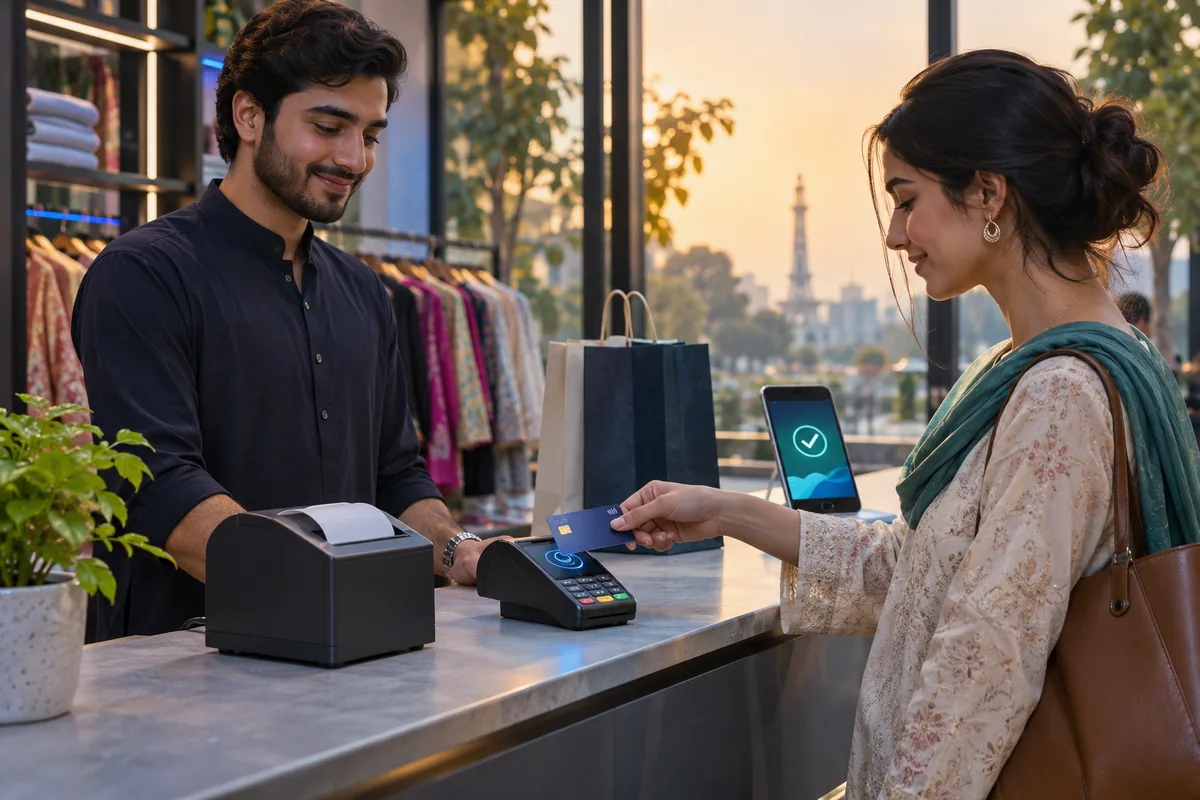
Plan the register and terminal together. Infinity documents Bank Alfalah card-terminal integration for supported setups. Your bank, terminal and connectivity determine the installation scope.
For Raast QR, JazzCash, Easypaisa or online checkout, agree on the merchant account, provider interface and the reference that links approval to each bill. Confirm provider availability during setup.
Separate full and partial refunds, reversals and pending payments. Match the POS transaction, terminal reference and bank settlement, and give unmatched items to the accounts team for review.
During a busy shift, a terminal can approve a payment while the cashier screen is waiting. Test a timeout, a retry and a partial refund before launch. The receipt and end-of-shift report should make each outcome clear.
Share the bank, terminal model and merchant arrangement. The team will confirm the supported connection and the tests your bank requires.
Yes. Specify whether the QR is static or generated per bill and who will review payments that need to be matched manually.
Your iPOS representative can arrange on-site or remote installation, tailor the setup to your business and train your staff through go-live.