
Define the first working scope
A migration should begin with the workflows that must operate on the first trading day. Document branches, counters, users, stock locations, payments and reporting requirements. Separate the first-phase scope from later enhancements. Infinity can cover several operational areas, but successful adoption still depends on a realistic plan agreed with the implementation team.
Review data before importing it
List the data to be considered: products, barcodes, categories, suppliers, customers, prices, opening stock and relevant balances. Check duplicates, missing identifiers and unclear quantities. Do not assume that every historical record can or should move automatically. Ask the team which migration tools and formats are available for your existing system, and confirm any work outside the standard scope.
Reconcile the starting position
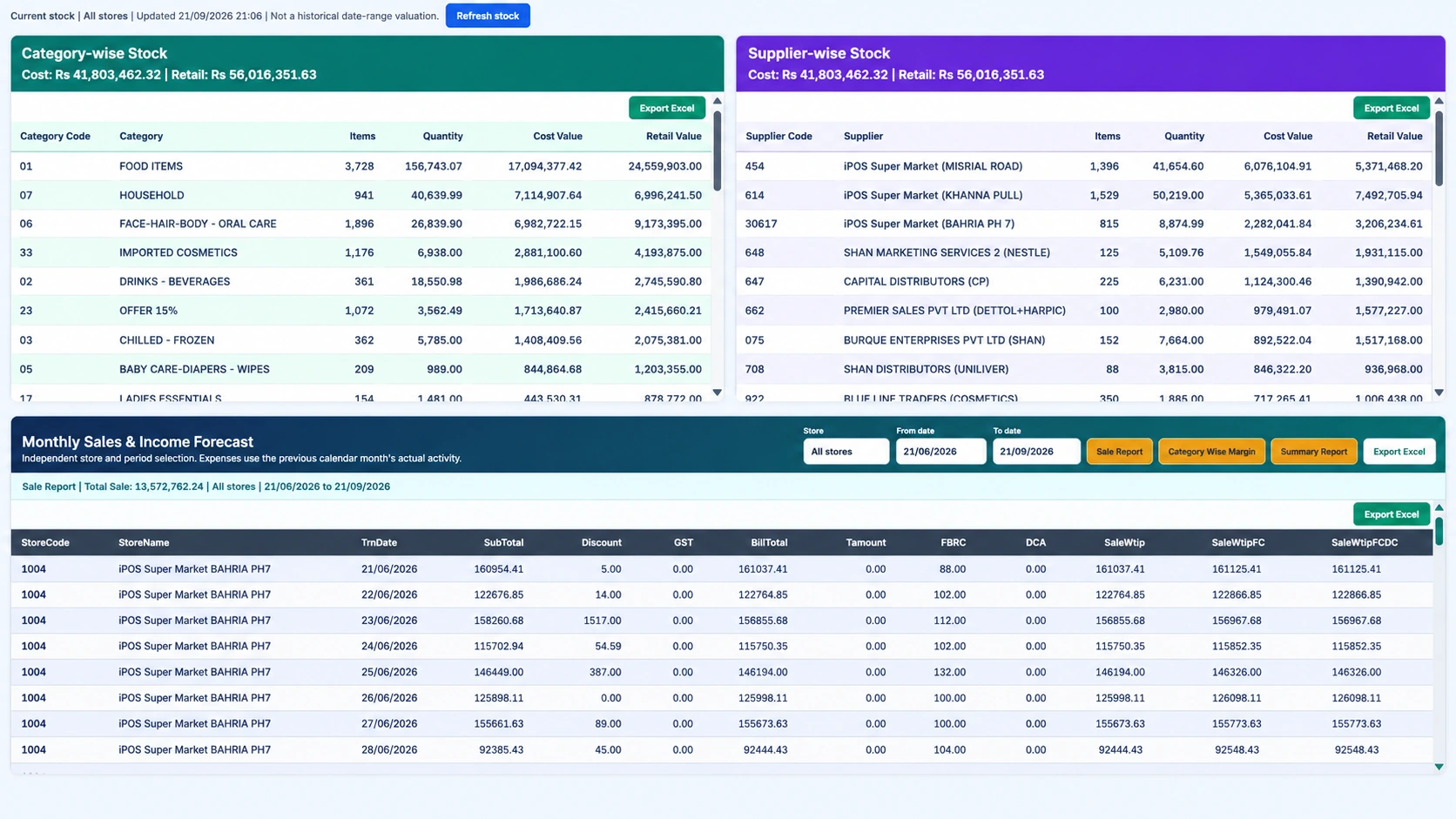
Opening stock and balances should be approved by the people responsible for them. Agree the cutover date, physical-count approach and treatment of transactions near the changeover. Keep the approved source files and record how the result was checked. Importing a file successfully is not the same as proving that the operational starting position is correct.
Test the business, not only the installation
Use realistic transactions: purchase, sale, mixed payment, return, price change and a management report. Test the intended user roles and connected hardware. For bank terminals or forecourt equipment, arrange the relevant compatibility and commissioning checks. Ask how backups and restoration are handled and who is responsible after handover.
Keep an acceptance and fallback plan
Agree what counts as ready, who signs off and what happens when a critical test fails. Train the users who will operate the first shift and make support arrangements clear. Do not erase or disable the old environment before an authorized migration and retention plan is in place. These are implementation-planning questions, not a claim that every migration service is automatically included with Infinity.
Your practical checklist
- Agree the first-phase scope and responsible owners.
- Clean and review data before import.
- Reconcile opening stock and balances.
- Test critical workflows and agree acceptance, support and fallback arrangements.
Common questions
Can every existing POS database be imported automatically?
Do not assume that. The iPOS team must assess the source format, data quality and migration scope.
What proves that migration is complete?
Use agreed reconciliation and operational acceptance checks, not just confirmation that files were imported.
Product scope is based on the supplied Infinity specification. Confirm modules, hardware compatibility and implementation responsibilities for your own setup. This guide does not make a competitor ranking or promise a business result.