
Does iPOS Work Without Internet? Offline POS Capabilities Explained
Yes. iPOS offers desktop offline POS for local billing, barcode scanning, receipt printing and stock recording without an internet connection, provided the local application, database, equipment and any required LAN remain available. Remote and cloud functions have separate connectivity requirements.
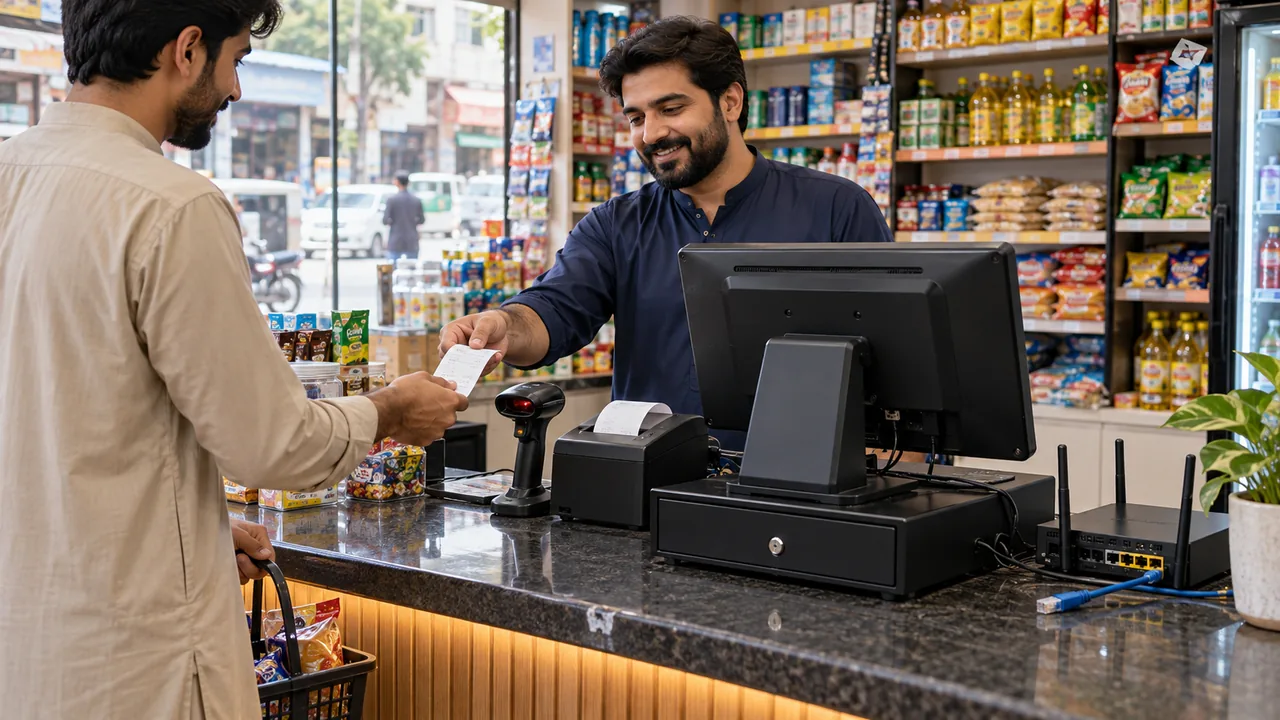
AI-generated editorial illustration.
What permanently offline operation means
A permanently offline shop can keep its operational records on the agreed local installation instead of depending on an internet session for each sale. The computer and local database must still run. In a client/server installation, tills must be able to reach their local server. A disconnected internet cable and a disconnected local server are different failures, and the demonstration should distinguish them.
Separate local records from connected services
Locally available reports can use records already held in the installation. A head-office dashboard, customer app, ecommerce order or remote owner view may require internet and may show the last synchronized information during an outage. iPOS Web POS is a browser-based online product; its connectivity requirements must not be substituted for those of desktop offline POS. Select the actual edition before judging offline capability.
Document the boundary before buying
Ask the team to record which tasks work locally and which pause until connectivity returns. Include printing, returns, permissions and the availability of historical reports, not just the ability to open a sales screen. The signed scope should identify the release, database location, required peripherals and backup responsibilities. An offline software licence does not power a till during load shedding or replace a tested recovery plan.
A practical scenario
A neighbourhood retailer loses external internet during the evening rush. The local computer and printer remain powered, and the proposed offline installation continues its agreed counter operations. The owner checks local totals at closing; a remote service waits for reconnection. This is a deployment example, not a claim that all products share identical outage behaviour.
Demonstration and acceptance checklist
| Action to demonstrate | Evidence to inspect |
|---|---|
| Disconnect external internet | The agreed offline checkout remains usable |
| Scan and sell a sample item | The correct item and price appear |
| Print the receipt | A supported local printer completes the job |
| Inspect the local stock record | The transaction is represented in the agreed stock workflow |
Questions buyers ask
Does offline mean no local network is needed?
Standalone installations can use one computer; client/server tills normally need their local server connection. Confirm the topology being supplied.
Does every edition automatically synchronize afterwards?
No universal synchronization behaviour should be assumed. Hybrid synchronization scope, timing and duplicate handling must be specified and demonstrated for the implementation.
Relevant iPOS options
Related guides
- Hybrid POS Synchronization: Sales, Stock and Duplicate-Handling Tests
- iPOS on Windows, macOS, Linux and Android: Which Product Runs Where?
- Local Billing Without Internet: Choose the Right iPOS Deployment
Compare the iPOS product range or contact iPOS about your requirements.
More from Insights

POS Data Migration: Products, Stock, Balances and a Controlled Go-Live
A POS migration should preserve the meaning of business records, not merely move rows between files. iPOS migration requirements should identify the sourc…

Offline POS Backup and Restore: Protecting the Business Beyond Internet Outages
Offline POS reduces dependence on external internet for agreed local tasks, but it does not protect a business from disk failure, theft, damaged records o…

How to Test Offline POS in a Live Demonstration
Test offline capability by deliberately disconnecting external internet while keeping the required local equipment available. Follow a complete transactio…