
iPOS on Windows, macOS, Linux and Android: Which Product Runs Where?
iPOS has desktop, browser-based and mobile offerings. Browser access can serve Windows, macOS, Linux and Android devices with supported browsers and connectivity; that does not mean every desktop edition or hardware driver installs natively on every operating system.
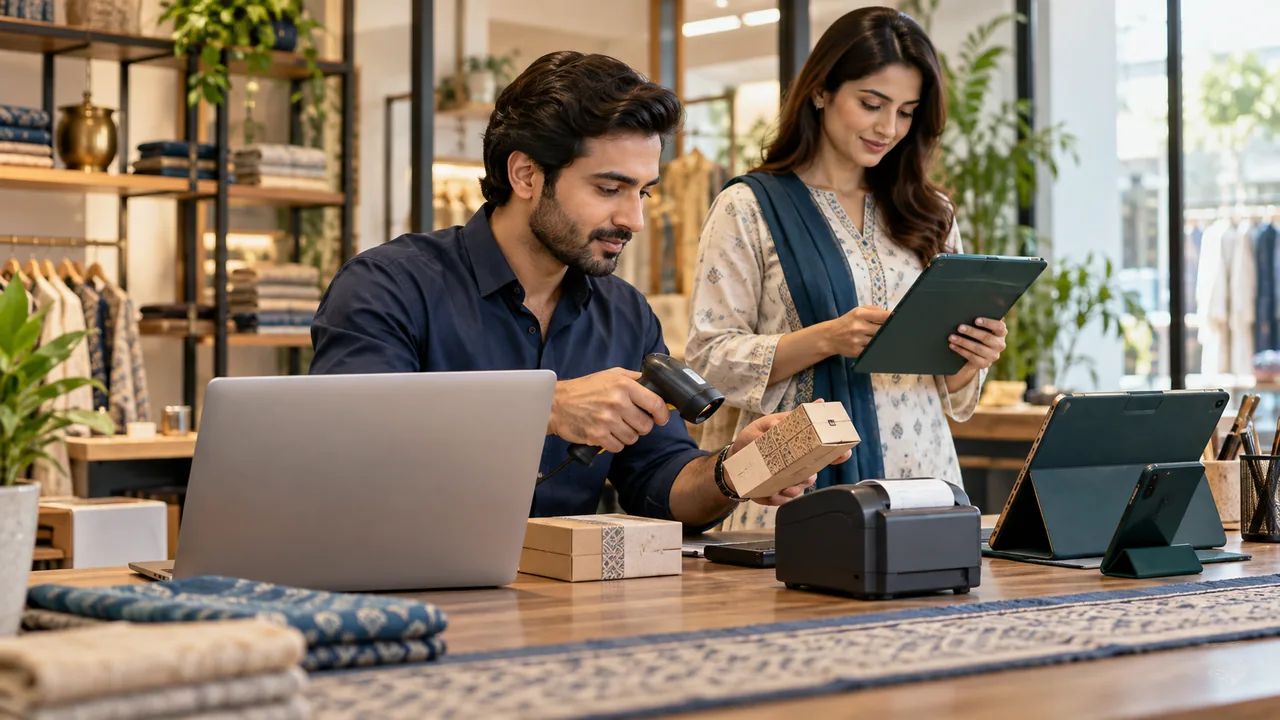
AI-generated editorial illustration.
Distinguish a browser client from a native installation
A browser-based interface and a locally installed desktop application have different requirements. Before ordering equipment, identify the specific iPOS product and whether the device will act as a counter, server, management station or mobile client. A Macintosh used for browser reporting is not the same deployment as a native desktop till. Record the supported operating-system and browser versions for each role.
Check peripherals in the intended workflow
Receipt printing, cash drawers, barcode scanning, scales and customer displays depend on device interfaces and the proposed application. A scanner may behave like keyboard input while a printer requires another integration method. Browser compatibility alone does not prove that every attached peripheral works. Ask for a demonstration using the exact model, connection type and operating environment being proposed.
Separate mobile capabilities by application
Owner reporting, customer ordering and Android waiter-pad operation serve different users. Do not assume a customer application provides administrative controls or that every Android tablet can replace the intended counter. iPOS can scope iOS and Android development and connected applications around business requirements. Native features, supported devices, store publication and integration responsibilities belong in the application proposal.
A practical scenario
An owner uses a MacBook for connected management, a shop uses an agreed desktop POS installation and restaurant staff use supported Android waiter tablets. The implementation documents the role of each device and demonstrates its data exchange. Cross-platform access is established through those product-specific tests rather than a claim that one installer runs everywhere.
Demonstration and acceptance checklist
| Action to demonstrate | Evidence to inspect |
|---|---|
| Identify each device role | Match it to the correct product |
| Test the supported browser | Complete the required connected workflow |
| Print using the intended hardware | Confirm the real integration path |
| Check mobile permissions | Expose only the functions needed by that user |
Questions buyers ask
Can an online feature work without internet because it opens in a browser?
Not necessarily. Browser presentation does not establish offline operation; confirm the product's documented connectivity requirements.
Does iPOS support custom mobile development?
iPOS can scope custom iOS and Android applications, including their backend integration, device requirements and delivery responsibilities.
Related guides
- POS Data Migration: Products, Stock, Balances and a Controlled Go-Live
- Offline POS Backup and Restore: Protecting the Business Beyond Internet Outages
- Local Billing Without Internet: Choose the Right iPOS Deployment
Compare the iPOS product range or contact iPOS about your requirements.
More from Insights

POS Data Migration: Products, Stock, Balances and a Controlled Go-Live
A POS migration should preserve the meaning of business records, not merely move rows between files. iPOS migration requirements should identify the sourc…

Offline POS Backup and Restore: Protecting the Business Beyond Internet Outages
Offline POS reduces dependence on external internet for agreed local tasks, but it does not protect a business from disk failure, theft, damaged records o…

How to Test Offline POS in a Live Demonstration
Test offline capability by deliberately disconnecting external internet while keeping the required local equipment available. Follow a complete transactio…