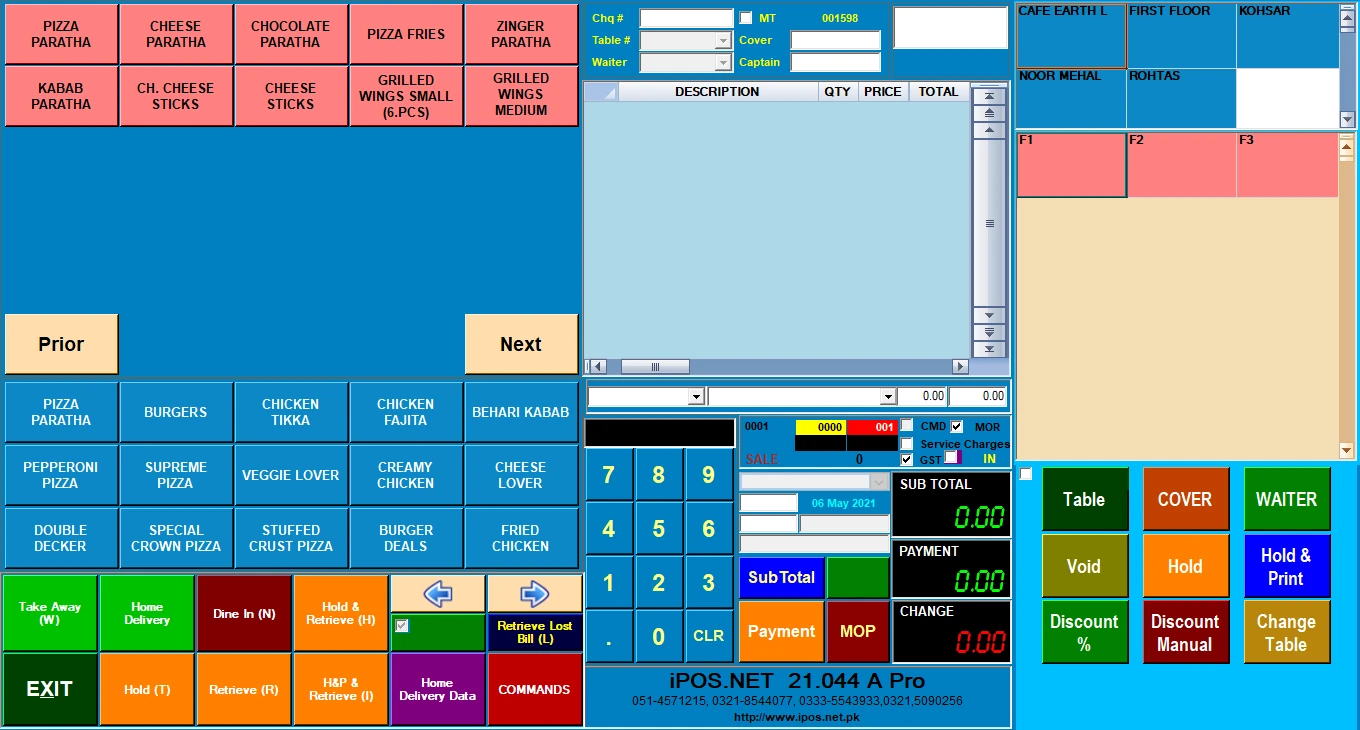
Desktop offline POS
Keep agreed local billing, barcode scanning, receipt printing and stock recording available without external internet. The application, database, equipment and any required local network must remain available.

iPOS provides retail point-of-sale software for a first shop, established stores, supermarkets and multi-branch chains. Explore desktop offline, local client/server, hybrid and online configurations, with Infinity ERP as a separately scoped option for wider enterprise management.
Keep agreed local billing, barcode scanning, receipt printing and stock recording available without external internet. The application, database, equipment and any required local network must remain available.
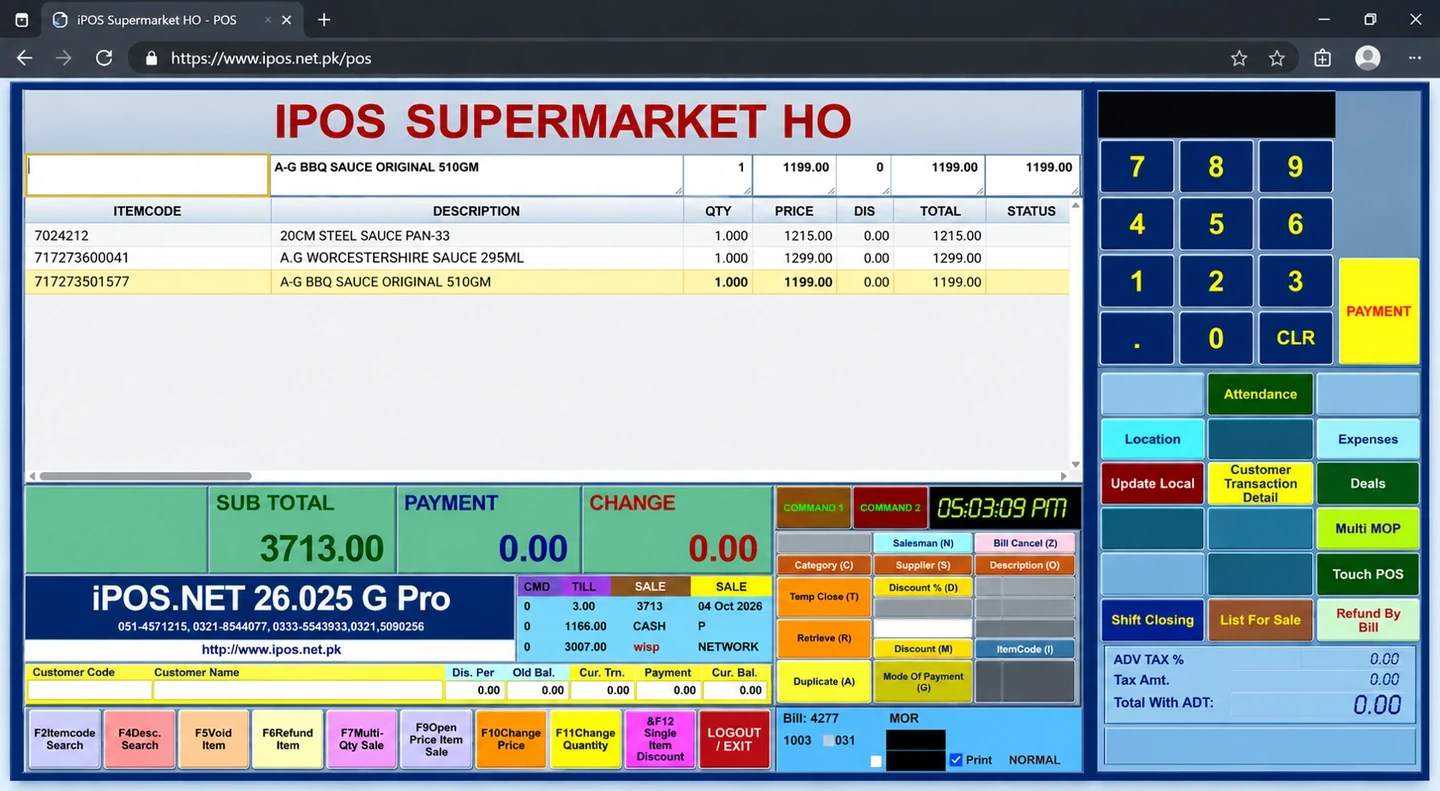
Choose browser-based iPOS Web POS for supported online checkout, or discuss a hybrid arrangement combining local retail work with defined connected services. Confirm devices, availability and update responsibilities.
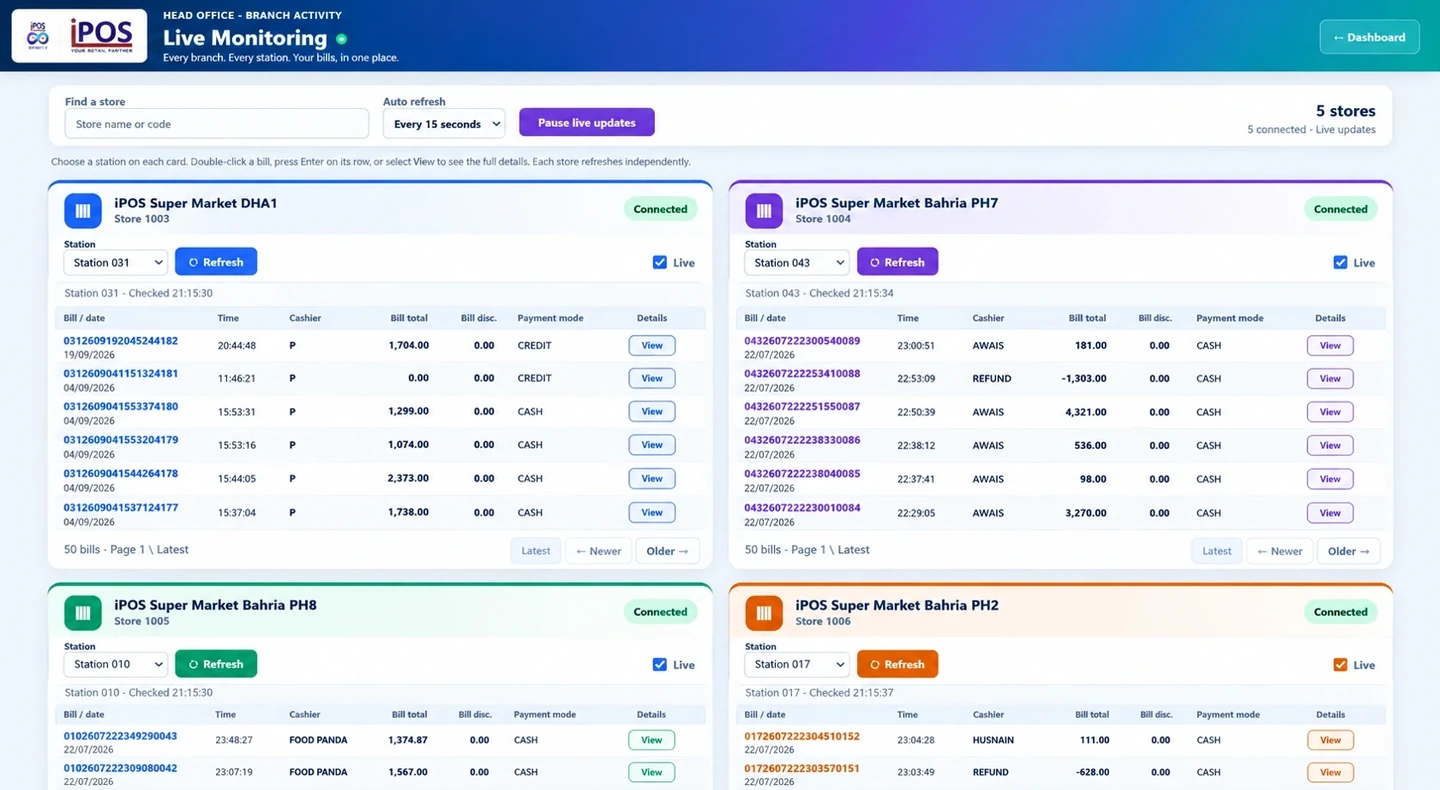
Plan central product and pricing responsibilities, branch permissions, location-level stock, transfers, warehouses and consolidated reporting. Connected owner views and apps are scoped around the information the business needs.
Demonstrate normal sales, the required payment methods, authorized corrections, returns and end-of-day totals on the actual counter equipment.
Follow products from receiving through stock locations and sales. Include counts, replenishment, transfers and discrepancy handling where required.
Assess size and colour variants, barcode identity, exchanges and branch availability for the selected retail configuration.
Identify the relevant reporting, general-ledger, reconciliation or finance modules. Agree the records and mapping needed by the accounts team.
Discuss the specific users, supported applications, order and stock flows, connectivity and third-party interfaces required for connected channels.
Plan catalogue preparation, data transition, staff practice, backups, recovery ownership and support arrangements before go-live.
A startup can focus on selling, stock and daily control instead of purchasing every available module. As the business grows, assess additional tills, a shared local server, another store, warehouse responsibilities or connected channels. Record the upgrade path, data validation and complete cost before making the change.
For a retail chain, demonstrate head-office responsibilities and store-level work together. Compare branch stock, controlled transfers, price changes, permissions and consolidated reports. Measure performance using a representative catalogue, device setup and concurrent workload; a deployment label or a hardware specification alone does not prove a particular checkout time.
Selected POS editions offer one-time licensing. Equipment, implementation, migration, training, support and additional services are identified separately where applicable. Infinity ERP has its own agreed enterprise-management scope.
No. A first retail shop can begin with a focused POS setup. More tills, branch controls, warehouse functions and connected modules can be scoped as the operating needs grow. Infinity ERP is a separate wider project.
The proposed desktop offline configuration can support agreed local tasks without external internet while its required local components remain available. Remote reporting, authority connections and online services have their own connectivity requirements.
No. Choose the POS configuration and retail controls required first. Discuss Infinity ERP when wider purchasing, finance and organizational responsibilities justify that separate scope.
Selected iPOS POS editions offer one-time software licensing. Ask for the edition, counters, branches, equipment, implementation, support, apps and recurring services to be identified clearly in the written quotation.
Tell the iPOS team about your store type, tills, product range, stock locations, existing equipment, internet conditions and growth plans. Request a representative demonstration and a written scope for the configuration that suits the business.
Contact iPOS sales and support