
Restaurant Ordering Apps: From Customer Basket to Delivery Completion
A restaurant ordering application needs a complete operational journey behind it: menu choices, acceptance, preparation, dispatch, payment and customer communication. iPOS can scope customer and staff applications around the restaurant's actual ordering and delivery responsibilities.
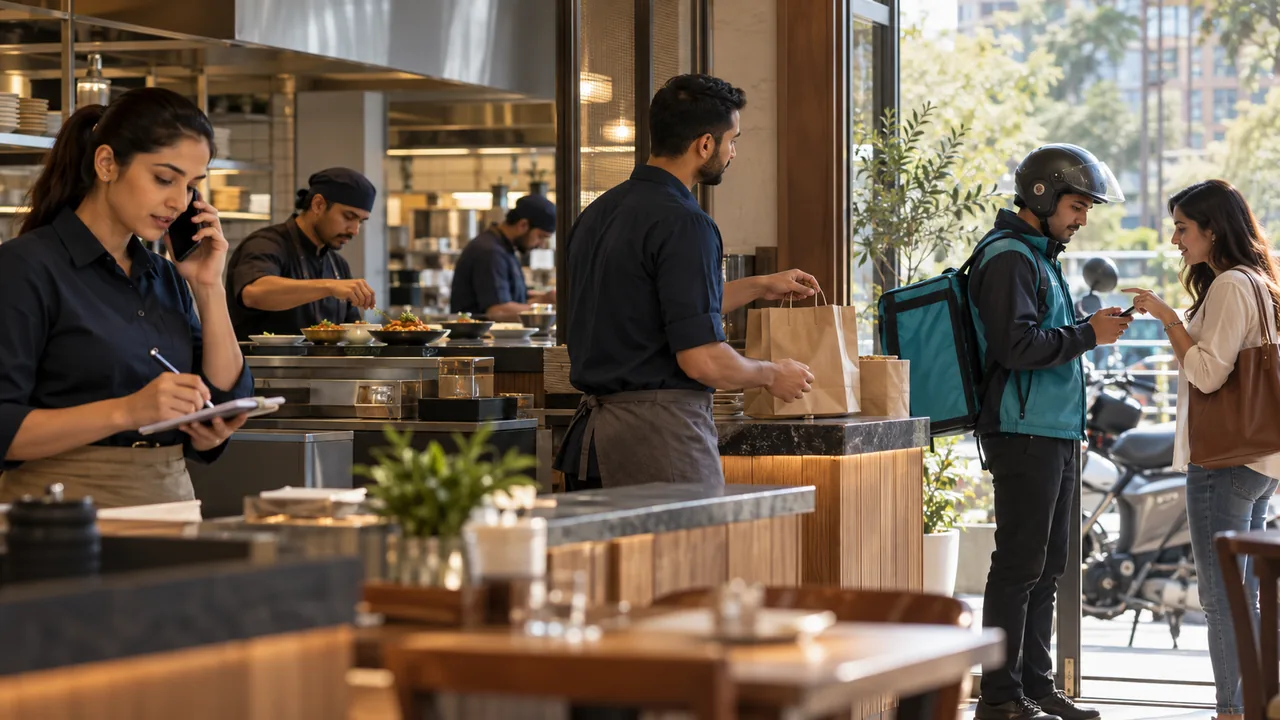
AI-generated editorial illustration.
Make the menu operationally accurate
Record the intended items, variations, modifiers, availability and order rules. Decide who maintains them and how changes reach each customer-facing channel. A restaurant should not accept a combination its kitchen cannot prepare. Test realistic orders with modifications and unavailable items, and explain the point at which the customer receives an acceptance rather than merely an acknowledgement of their request.
Connect the kitchen and delivery handoffs
Assign responsibility for accepting an order, sending it to preparation and marking it ready for collection or dispatch. If a kitchen display, printer or expeditor is proposed, demonstrate the exact handoff. A delivery application should use agreed order states so a driver, kitchen operator and customer do not receive conflicting instructions. The visual status should correspond to an action staff can actually perform.
Specify delivery and payment exceptions
Include incomplete addresses, changed orders, failed delivery attempts, cash collection and refunds in the requirements. Where maps or navigation services are requested, identify their provider, connectivity and usage costs. Do not promise that every app includes driver tracking or route optimization. Those functions, customer notifications and their operating responsibilities should be itemized and tested in the proposed scope.
A practical scenario
A restaurant receives an order with a menu modification, assigns preparation and then dispatches a driver. The customer changes the contact instruction before departure. The test checks which staff member can approve that change and how the final delivery and payment state is communicated to the relevant users.
Demonstration and acceptance checklist
| Action to demonstrate | Evidence to inspect |
|---|---|
| Place a modified order | The kitchen receives the correct requirements |
| Change an accepted order | Authorization and customer communication are clear |
| Assign a driver | The intended delivery information is available |
| Record an unsuccessful delivery | Payment and order responsibilities remain identifiable |
Questions buyers ask
Can iPOS scope both owner and customer apps?
Yes. Each application should have distinct users, permissions, records and acceptance requirements.
Is navigation always an included function?
No. Map, navigation and tracking requirements must be scoped, including their third-party dependencies and costs.
Relevant iPOS options
Related guides
- Dispatch Software: Assigning Work, Tracking Progress and Resolving Exceptions
- Planning a Cab Booking and Dispatch Application for Your Business
- Chain-Store Stock Optimization: Balance Availability Across Branches
Compare the iPOS product range or contact iPOS about your requirements.
More from Insights

Dispatch Software: Assigning Work, Tracking Progress and Resolving Exceptions
Dispatch software should make the responsibility for each job visible from allocation to completion. iPOS can scope tailored dispatch and driver applicati…

Planning a Cab Booking and Dispatch Application for Your Business
A cab booking application is a coordinated business system, not only a map with vehicle icons. iPOS can scope tailored booking, dispatch and mobile applic…

Custom iOS and Android Business Apps: Scope, Integration and Release Planning
iPOS can scope custom iOS and Android applications for owners, customers, staff and field operations. A professional proposal should define the users, wor…