
How much does POS software cost in Pakistan?
Build a realistic POS software budget in Pakistan. Compare software, hardware, migration, training, support and recurring charges in a written quote.

Compare the complete cost.
Choose a stage to explore the practical checks.
Write the operating scope before asking for prices
List the number of locations, tills at each location, stock rooms and people who need access. Specify whether you need only billing or also purchasing, accounting, head-office reporting and product integrations. Include expected transaction volume and the hardware you already own. A quote for a single counter should not be compared directly with a multi-branch implementation without adjusting the scope.
Read this part of the guideSeparate software, equipment and services
Ask for separate lines for software licences or subscriptions, modules, installation, data preparation, training, integrations and devices. Record whether receipt printers, barcode scanners, terminals and backup equipment are included. Ask who supplies replacement hardware and whether the quoted service includes travel or remote setup. An inexpensive initial licence can still leave substantial implementation work to your team.
Read this part of the guideCalculate a comparable total
For each proposal, add one-time software and equipment charges, migration and training fees, and the recurring charges over the period you intend to compare. Show applicable quoted taxes separately. For example, a spreadsheet can have columns for initial cost, monthly fee, annual fee, optional work and exclusions. Use the actual provider figures; do not assume that updates, additional branches or support are included.
Read this part of the guideWrite the operating scope before asking for prices
List the number of locations, tills at each location, stock rooms and people who need access. Specify whether you need only billing or also purchasing, accounting, head-office reporting and product integrations. Include expected transaction volume and the hardware you already own. A quote for a single counter should not be compared directly with a multi-branch implementation without adjusting the scope.
Separate software, equipment and services
Ask for separate lines for software licences or subscriptions, modules, installation, data preparation, training, integrations and devices. Record whether receipt printers, barcode scanners, terminals and backup equipment are included. Ask who supplies replacement hardware and whether the quoted service includes travel or remote setup. An inexpensive initial licence can still leave substantial implementation work to your team.
Calculate a comparable total
For each proposal, add one-time software and equipment charges, migration and training fees, and the recurring charges over the period you intend to compare. Show applicable quoted taxes separately. For example, a spreadsheet can have columns for initial cost, monthly fee, annual fee, optional work and exclusions. Use the actual provider figures; do not assume that updates, additional branches or support are included.
Confirm what changes the future bill
Ask how costs change when you add a counter, open a branch, need another integration or move data to a new server. Clarify renewal, cancellation, data export and upgrade terms in writing. For iPOS, send the scope through the official enquiry page and request a product-specific quotation. A demonstration and written acceptance scope help you decide what the price actually covers.
Useful next steps
- Your iPOS Infinity demo checklist
- Which hardware do you need for a POS counter?
- POS migration: a controlled path to go-live
Inspect the actual product screenshots and Infinity capabilities, then request a demonstration from iPOS using your own requirements.
Published by iPOS to help businesses evaluate a proposed setup. Product capabilities, deployment and commercial terms must be confirmed for your configuration. This is provider-authored guidance, not an independent provider ranking.
More from Insights

AskInfinity: business questions in English and Roman Urdu
See how standard reporting, voice input and optional AI-assisted language understanding fit into the AskInfinity workflow.
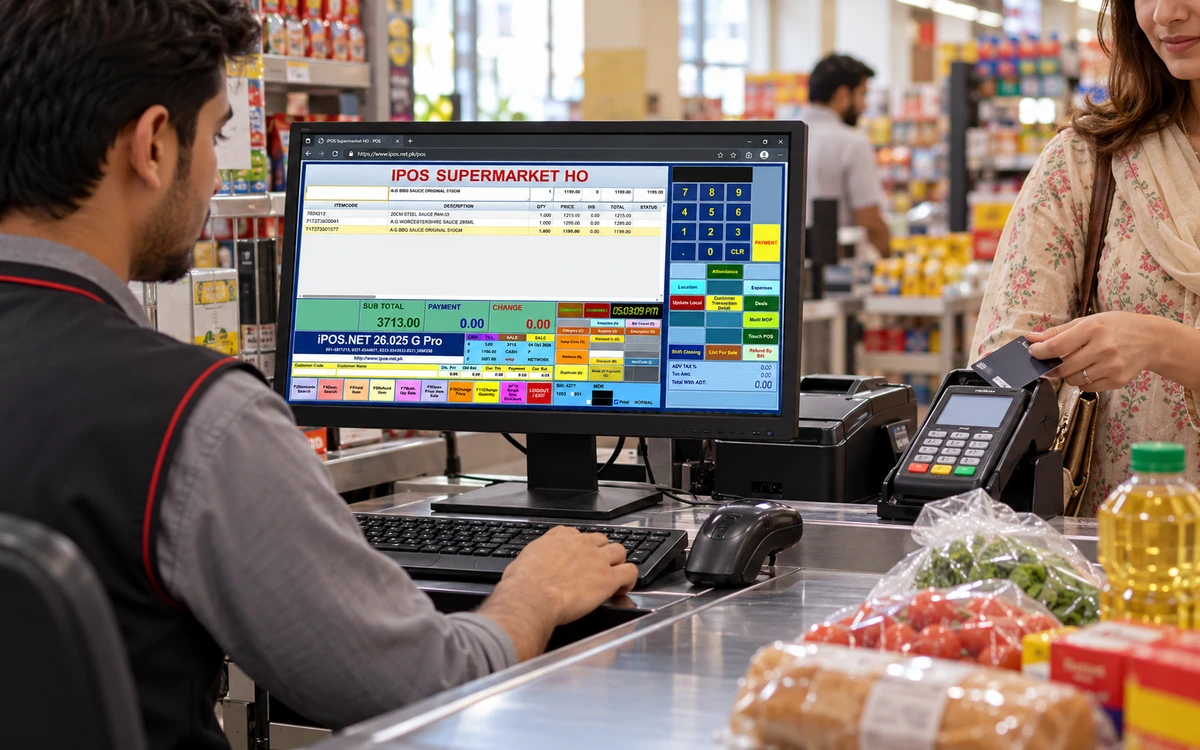
Bank POS machine or POS software: what is the difference?
Understand the difference between a card payment terminal and retail POS software, including payment reconciliation and integration questions.
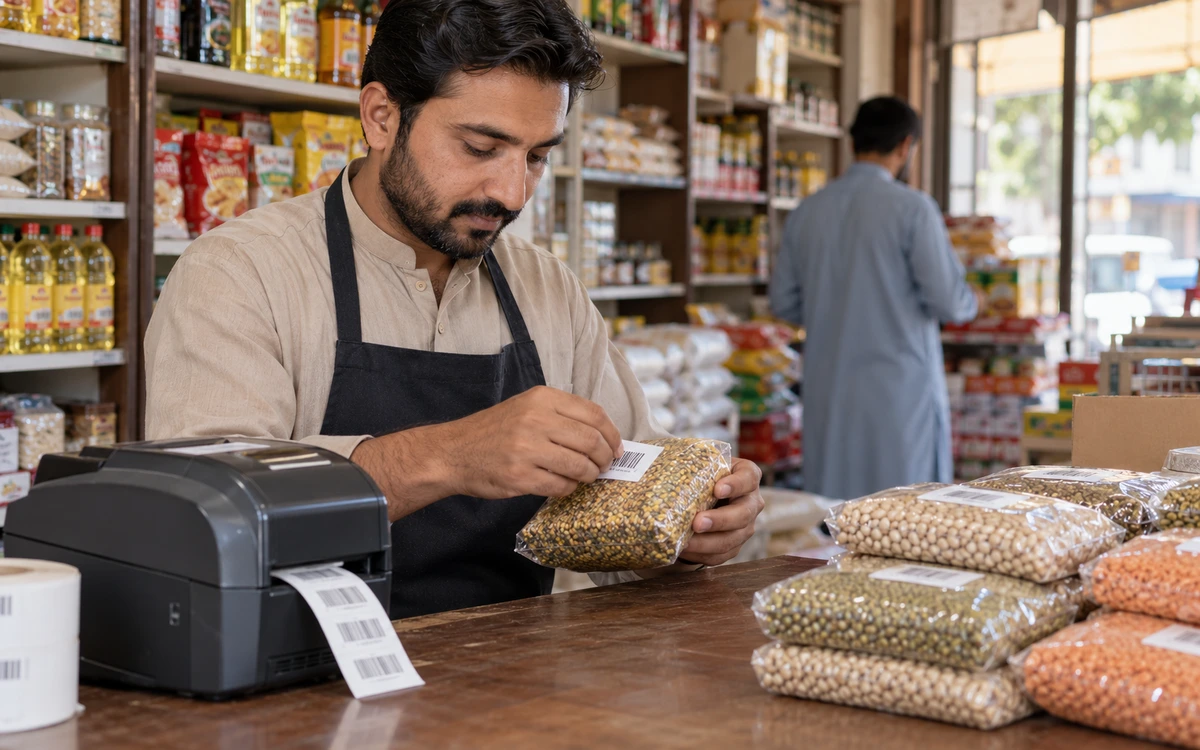
Barcode and price management: build a dependable product master
Organize item codes, barcodes, categories, supplier costs and customer or store prices with controlled approval workflows.