
Owner Mobile Apps: What a Retailer Should Be Able to Check Away from the Store
An owner application should make the agreed sales, stock and management information accessible without giving every user unrestricted control. iPOS can scope owner mobile applications and reporting around the business, its data sources and the decisions an owner needs to make.
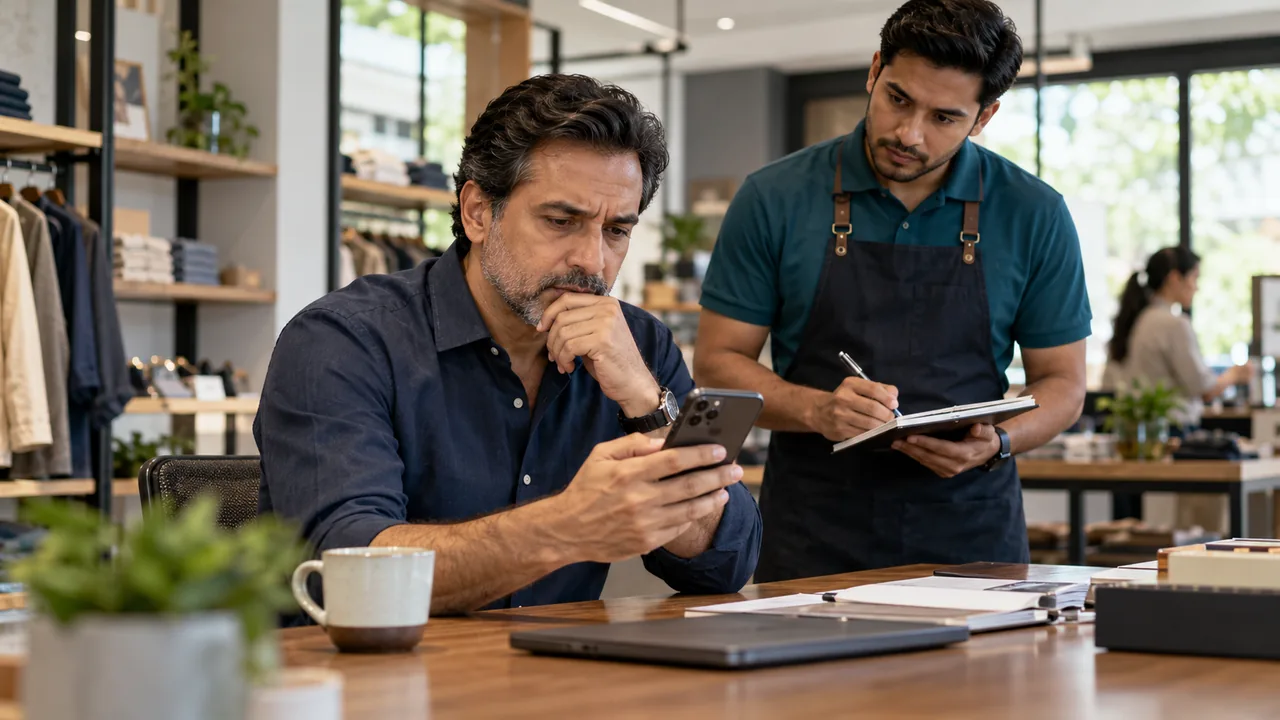
AI-generated editorial illustration.
Choose decisions before dashboard tiles
List the questions the owner asks while away: how trading compares with the expected period, which location needs attention and whether an exception requires approval. Identify the source of each answer and the permitted level of detail. A large collection of indicators is less useful than a few figures whose definitions, update times and responsible people are understood.
Understand connectivity and information freshness
An offline counter and a mobile management view can have different connectivity requirements. A local sale may be recorded correctly before the connected view receives it. Ask the team to identify the last successful update and the agreed synchronization behaviour. Do not promise immediate remote visibility when the branch is disconnected, or confuse an old dashboard figure with a missing local transaction.
Protect administrative responsibilities
Define what the owner can view, approve or change through the proposed application. Keep employee access appropriate to their roles and review how a lost device or departed employee loses access. The application proposal should state supported platforms, account management and integration responsibilities. Add features when they support a real decision rather than recreating every desktop screen on a phone.
A practical scenario
A two-store owner reviews the previous day's completed sales and notices an unusual return total. The app provides the agreed branch context, and the owner asks the responsible manager to review the underlying transactions. The workflow depends on traceable records and information freshness, not the visual prominence of a dashboard number.
Demonstration and acceptance checklist
| Action to demonstrate | Evidence to inspect |
|---|---|
| Review a branch figure | Its period and source are clear |
| Disconnect the branch internet | The remote information's freshness is understandable |
| Sign in as another role | Only authorized information is exposed |
| Remove device access | The account-control process is demonstrated |
Questions buyers ask
Is an owner app the same as a customer app?
No. Owner applications expose agreed management functions; customer applications serve ordering, account or loyalty needs with different permissions.
Does an owner app make every POS edition cloud-only?
No. Mobile management and local checkout are separate parts of the proposed architecture, with their own connectivity requirements.
Related guides
- Customer Mobile Apps: Ordering, Loyalty and Clear Account Boundaries
- Connecting an Ecommerce Store to POS Without Confusing Stock and Orders
- Chain-Store Stock Optimization: Balance Availability Across Branches
Compare the iPOS product range or contact iPOS about your requirements.
More from Insights

Dispatch Software: Assigning Work, Tracking Progress and Resolving Exceptions
Dispatch software should make the responsibility for each job visible from allocation to completion. iPOS can scope tailored dispatch and driver applicati…

Planning a Cab Booking and Dispatch Application for Your Business
A cab booking application is a coordinated business system, not only a map with vehicle icons. iPOS can scope tailored booking, dispatch and mobile applic…

Custom iOS and Android Business Apps: Scope, Integration and Release Planning
iPOS can scope custom iOS and Android applications for owners, customers, staff and field operations. A professional proposal should define the users, wor…