
iPOS Web POS or iPOS Infinity?
Compare the purpose of iPOS Web POS and Infinity. Plan browser checkout, stock, accounts, branches and the evidence to request in a demo.
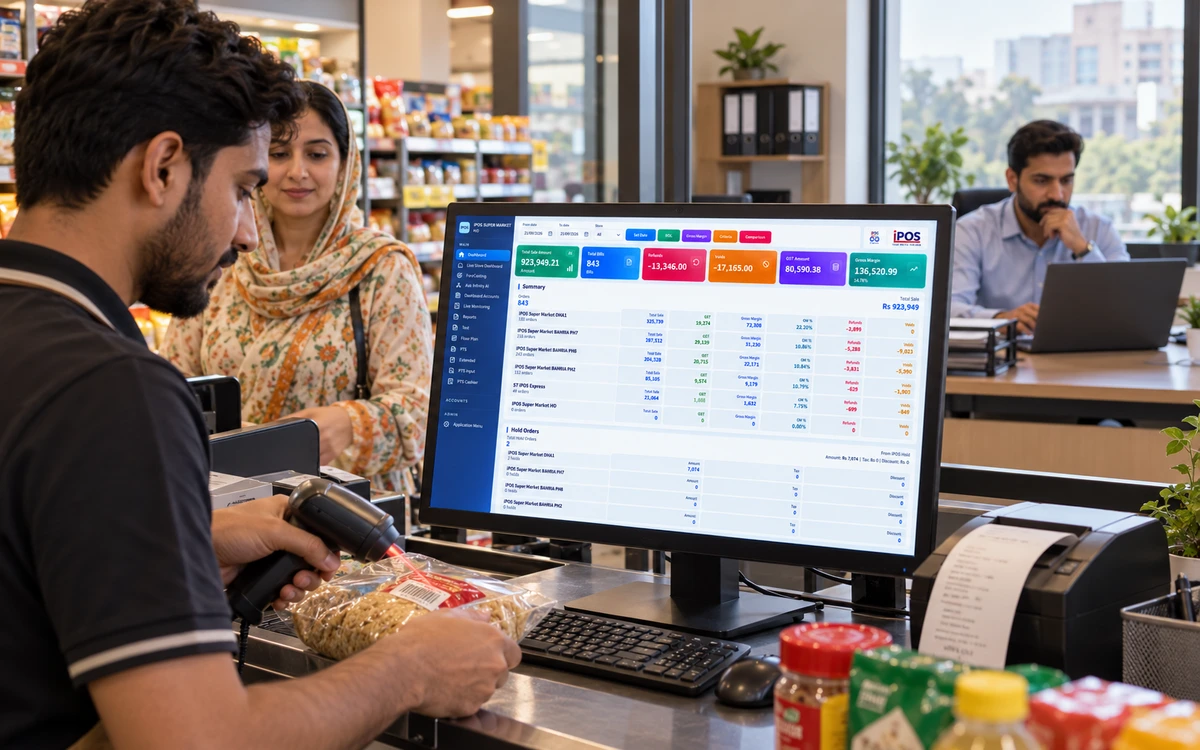
Checkout or whole company?
Choose a stage to explore the practical checks.
Begin with the task you need to complete
A cashier needs to find an item, produce a correct bill and record payment without losing track of the queue. A buyer needs supplier and stock information; an owner may need branch results and financial visibility. Write down these roles separately. Selecting a product by a name alone can leave back-office needs untested or make a simple checkout project unnecessarily broad.
Read this part of the guideWhat to inspect in a Web POS demonstration
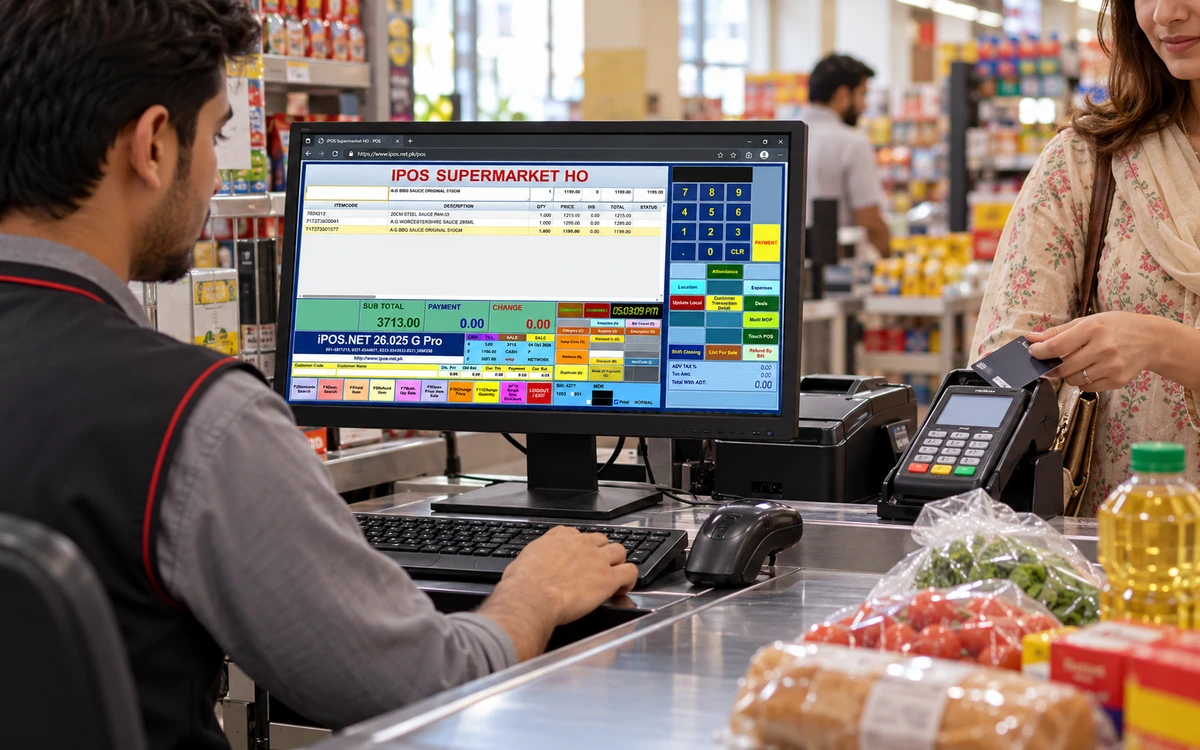
Start with browser and device requirements, sign-in, item selection, payment recording and receipt output. This site describes Web POS as accessible where an internet connection is available. Confirm the exact browser, printer and scanner configuration you intend to use. Ask how users are authorized and how the proposed setup handles refunds, interruptions and the end-of-day review.
Read this part of the guideWhat to inspect in an Infinity demonstration
Follow the sale into stock, supplier purchasing, account balances and consolidated reporting. If several branches are involved, ask to see location-specific permissions and branch status. Use the supplied product gallery to choose the screens you want demonstrated. Ask separately about forecasting, AskInfinity and forecourt integration because a feature mentioned on a platform page is not proof that it is included in every quote.
Read this part of the guideBegin with the task you need to complete
A cashier needs to find an item, produce a correct bill and record payment without losing track of the queue. A buyer needs supplier and stock information; an owner may need branch results and financial visibility. Write down these roles separately. Selecting a product by a name alone can leave back-office needs untested or make a simple checkout project unnecessarily broad.
What to inspect in a Web POS demonstration
Start with browser and device requirements, sign-in, item selection, payment recording and receipt output. This site describes Web POS as accessible where an internet connection is available. Confirm the exact browser, printer and scanner configuration you intend to use. Ask how users are authorized and how the proposed setup handles refunds, interruptions and the end-of-day review.
What to inspect in an Infinity demonstration
Follow the sale into stock, supplier purchasing, account balances and consolidated reporting. If several branches are involved, ask to see location-specific permissions and branch status. Use the supplied product gallery to choose the screens you want demonstrated. Ask separately about forecasting, AskInfinity and forecourt integration because a feature mentioned on a platform page is not proof that it is included in every quote.
Get a product-specific recommendation
Send your counter count, branches, existing software, equipment and required reports to the iPOS team. Ask which product and modules meet those requirements, whether any migration or integration is necessary and what remains outside the scope. Avoid assuming the products share all functions or the same commercial terms. Keep the recommendation with your accepted demonstration checklist.
Useful next steps
- What is iPOS, and which product should you explore?
- Cloud or desktop POS: which setup fits your business?
- Your iPOS Infinity demo checklist
Inspect the actual product screenshots and Infinity capabilities, then request a demonstration from iPOS using your own requirements.
Published by iPOS to help businesses evaluate a proposed setup. Product capabilities, deployment and commercial terms must be confirmed for your configuration. This is provider-authored guidance, not an independent provider ranking.
More from Insights

AskInfinity: business questions in English and Roman Urdu
See how standard reporting, voice input and optional AI-assisted language understanding fit into the AskInfinity workflow.
Bank POS machine or POS software: what is the difference?
Understand the difference between a card payment terminal and retail POS software, including payment reconciliation and integration questions.

Barcode and price management: build a dependable product master
Organize item codes, barcodes, categories, supplier costs and customer or store prices with controlled approval workflows.