
Android Waiter Pads and Customer-Facing Displays: Roles, Screens and Connections
Android waiter pads, kitchen displays and customer-facing screens serve different roles. iPOS can scope these components around restaurant or retail workflows, with supported devices, local network requirements and the information shown to each user confirmed during implementation.

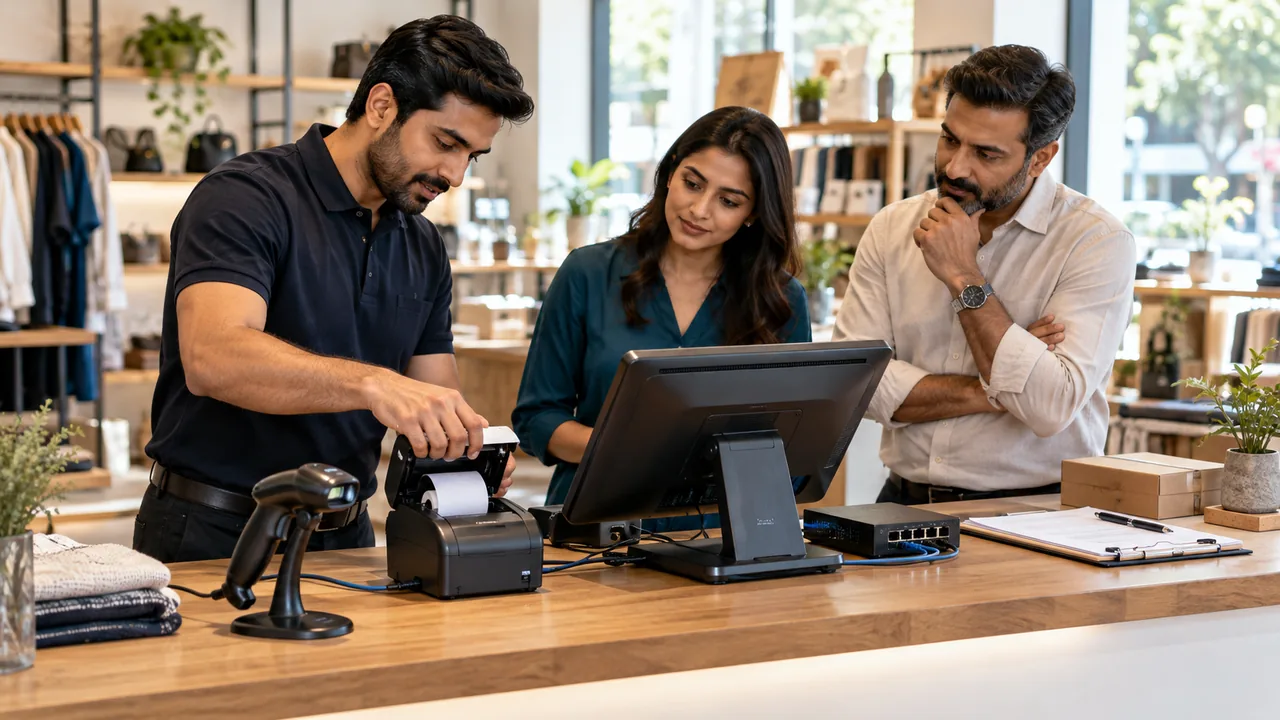
AI-generated editorial illustration.
Give every screen a clear audience
A waiter needs to enter the agreed order information. Kitchen staff need preparation instructions and order status. A customer-facing display should show the intended sale or order information without exposing management functions. Starting with these audiences helps decide whether another screen is useful and what permissions it needs. A display should reduce ambiguity rather than introduce a competing version of the transaction.
Test the actual handoffs and devices
Use the proposed Android tablet, customer display and kitchen equipment in a realistic sequence. Include a modification after the first order entry and the agreed correction process. Confirm how the application connects to the local system and what happens if the tablet or network becomes unavailable. Device age, operating-system support, mounting and charging arrangements also affect practical use.
Plan presentation and accessibility
Text size, contrast, layout and touch targets should suit the place where the device is used. A customer screen viewed across a counter has different needs from a handheld waiter pad. Review the intended information with actual operators and identify any confusing terms. Crisp presentation supports accurate work, but the display should still be tested against the business process behind it.
A practical scenario
A restaurant introduces a waiter pad and a customer-facing order display. A modified order is entered, corrected and sent through the agreed preparation workflow. The test checks which device shows each update and whether staff and customers can understand its status without exposing internal controls.
Demonstration and acceptance checklist
| Action to demonstrate | Evidence to inspect |
|---|---|
| Enter an order on the intended tablet | The supported input workflow is usable |
| Change an existing order | The relevant screens reflect the agreed state |
| Inspect the customer view | Only intended information is visible |
| Interrupt the device connection | Staff understand the recovery procedure |
Questions buyers ask
Can any Android tablet be used?
Confirm the supported application, operating-system version, device capabilities and connectivity requirements before purchase.
Are waiter pads and owner apps interchangeable?
No. They support different tasks and permissions and must be specified separately.
Relevant iPOS options
Related guides
- POS Hardware Compatibility: Match the Terminal, Printer, Scanner and Network
- Chain-Store Stock Optimization: Balance Availability Across Branches
Compare the iPOS product range or contact iPOS about your requirements.
More from Insights
POS Hardware Compatibility: Match the Terminal, Printer, Scanner and Network
A reliable POS counter is an agreed combination of software, terminal, printer, scanner, display, network and power arrangements. iPOS supplies and scopes…

Dispatch Software: Assigning Work, Tracking Progress and Resolving Exceptions
Dispatch software should make the responsibility for each job visible from allocation to completion. iPOS can scope tailored dispatch and driver applicati…

Planning a Cab Booking and Dispatch Application for Your Business
A cab booking application is a coordinated business system, not only a map with vehicle icons. iPOS can scope tailored booking, dispatch and mobile applic…